11th of August

New phone numbers!
We are glad to inform that ACE Laboratory company has moved to a new office. Please note that we have another phone numbers:

+7 (863) 231.22.06
+7 (863) 231.22.07
+7 (863) 231.22.08

                             More...

Your e-mail address:


Free!
Training materials for
PC-3000 and Data Extractor
                              More...


© Copyright ACE Laboratory
PC-3000 for SCSI
 What is PC-3000 for SCSI?

It is our new hardware-software complex
  • overall test and repair of damaged HDDs with any SCSI interface;
  • data recovery from damaged SCSI HDDs with the help of Data Extractor;
  • simultaneous work with 1 up to 15 HDDs. It can do tests and service operations for each of them and independently from each other;
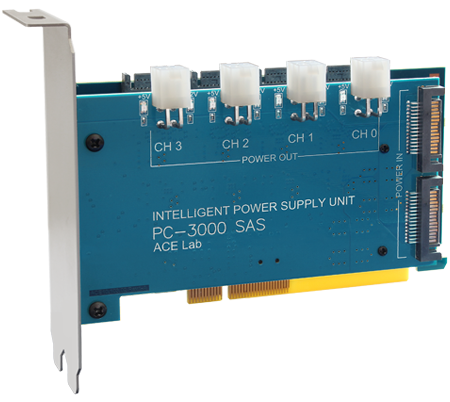
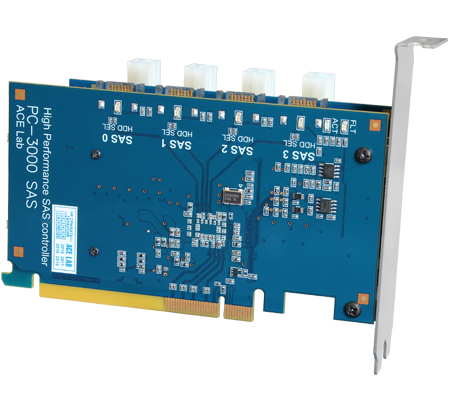
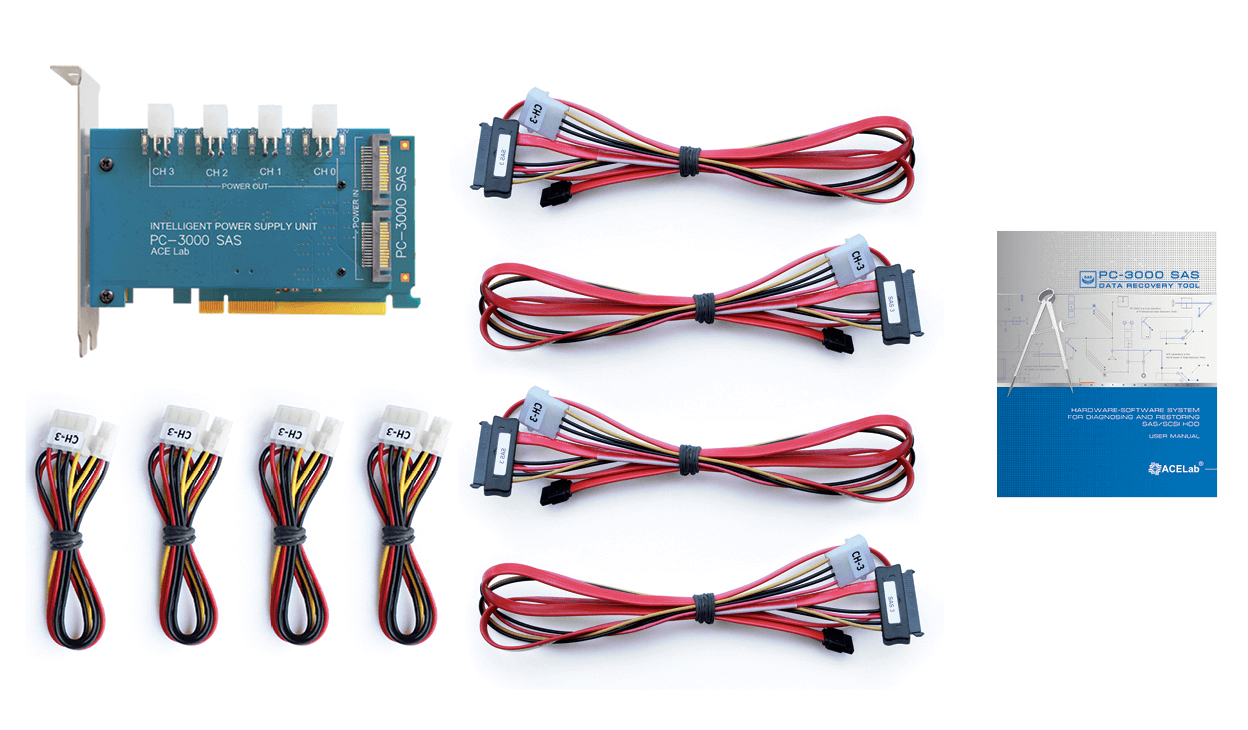
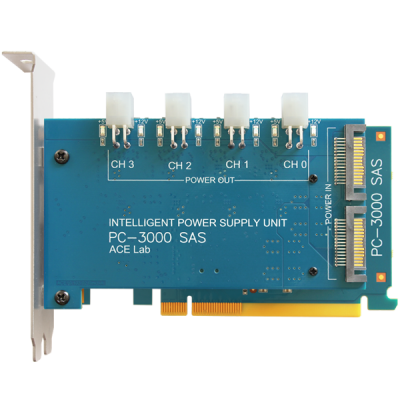
  • new PC-KEY2 (Power supplier) card can control power supply of one HDD and three external power sources of ATX standard to every of which you can connect several HDDs;
  • updated manuals for the whole complex and for the specialized utilities. These manuals give different methodics of data recovery, recommendations on interchangeability of PCBs, succession of making hot-swap etc.


 Principles of operation.

HDD are diagnosed in the usual (user) mode and in the special technological (factory) mode. For it, PC-3000 for SCSI has an universal utility and a suite of specialized utilities.

Universal utility quickly diagnoses any damaged HDD and determines how to repair HDD. Specialized utilities repair HDD, they are unique for each HDD manufacturer.

PС-3000 universal utility does operations as follows:

  • doing elementary tests: readiness test, recalibration, self-diagnostics, identification, stop/start of spindle;
  • surface verification, reading, writing, complex test;
  • defect table reading, search and assignment of surface defects;
  • low-level formatting;
  • self-test launching;
  • replication (image creation) of HDD and saving of any area into file;
  • switching on/off the automatic reassignment of defects at reading and writing, changing of hardware quantity of reading attempts and writing of bad sectors;
  • SMART parameters indication and clearance of error logs;
  • HPA changing.
Specialized utilities have the individual set of functions various for the different utilities, the main utilities are:
  • HDD testing in factory mode;
  • service information testing and recovery;
  • HDD Flash ROM reading and writing;
  • translator regeneration;
  • reading/writing on physical parameters.

 PC-3000 features.

  • Original user-friendly interface similar to that one of PC-3000 for Windows.
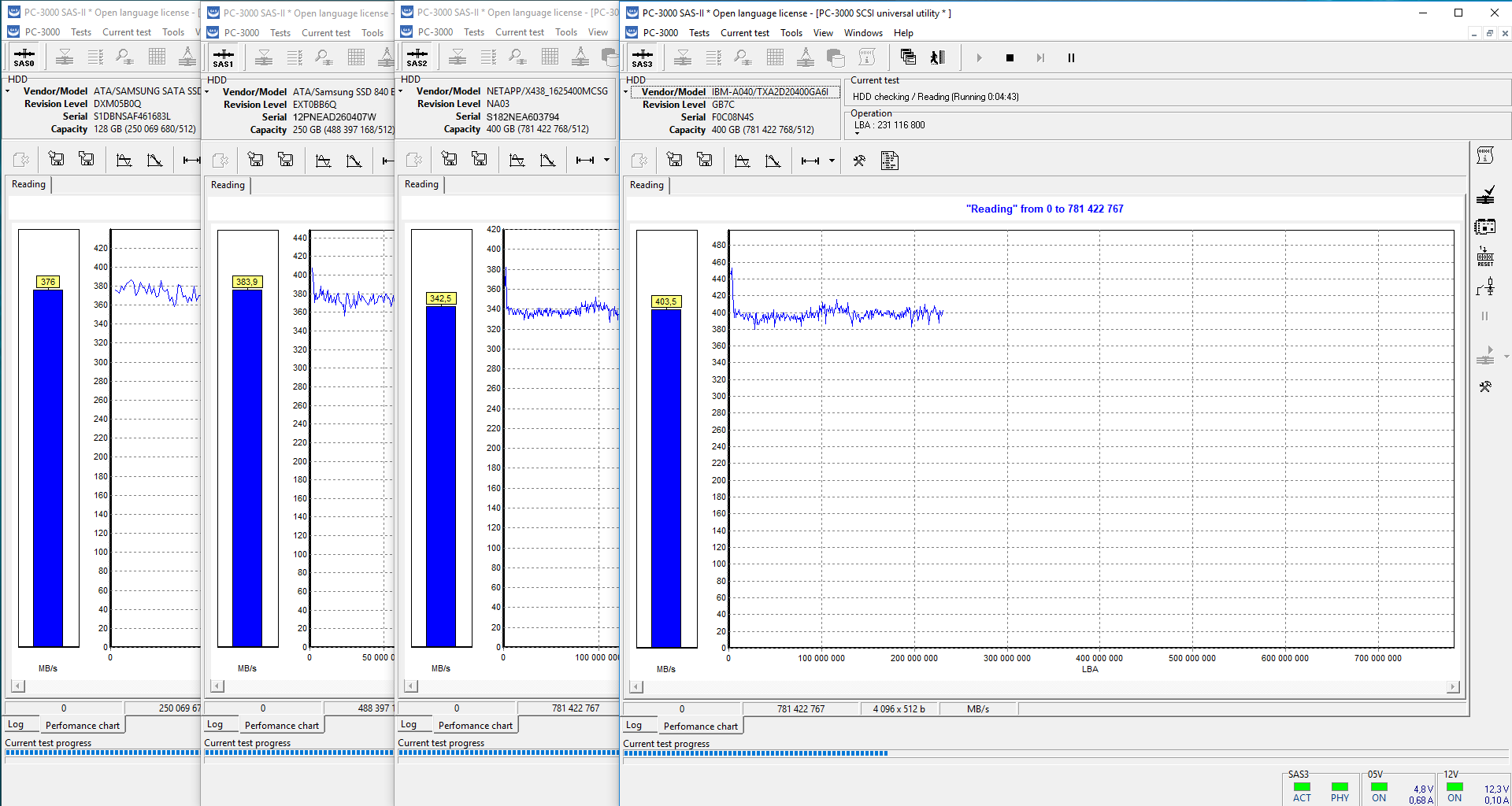
  • PC-3000 for SCSI tests HDD performance and indicates it in a diagram.
  • Sector editor which helps you to view and edit selected surface areas, and to save them to files.
  • Testing operations - reading, writing, verification, edition (image creation).
  • HDD replication (image creation).
    This function enables to copy data from one HDD to several ones at the same time. It is useful for data recovery as well.
  • In HDD replication it is possible to copy
      from SCSI to SCSI
      from SCSI to ATA/SATA
      from ATA/SATA to SCSI
      from ATA/SATA ro ATA/SATA
      Thus, all combinations are possible.

  • Ability to save any HDD area to file on the another HDD and then write these data into the chosen HDD. It can be used also for HDD replication or data recovery.
  • All results of the tests can be saved to files or database. The results can be used to the further viewing or the subsequent tests. All actions are logged.
  • Simultaneous and independent work with all HDD switched to the standard ATA and SATA ports in Win2K и Windows XP operation systems.

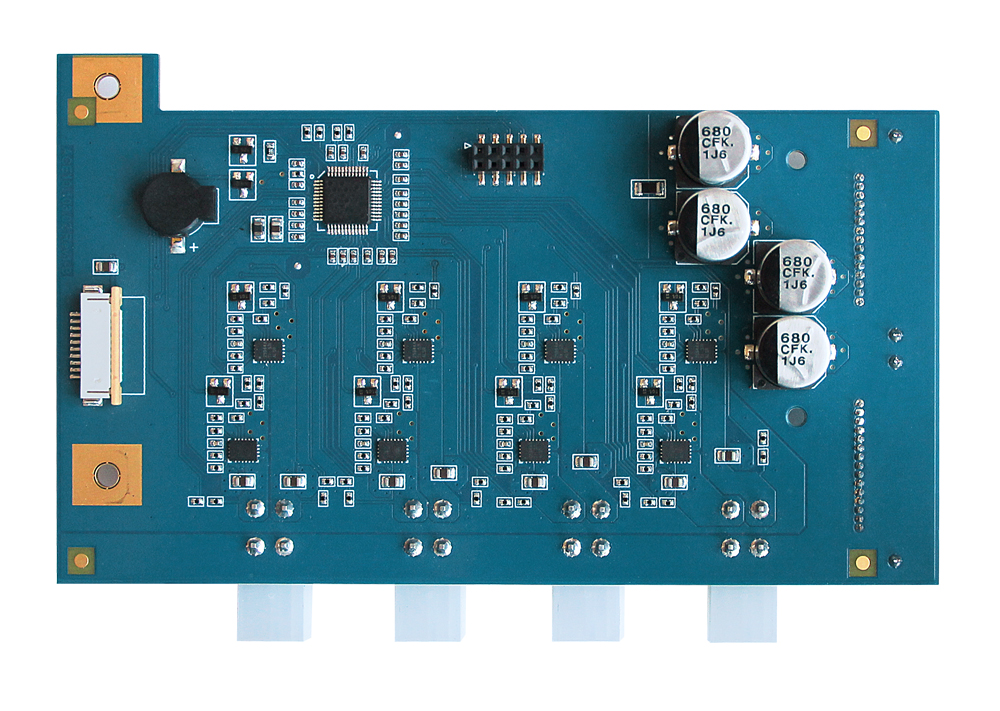
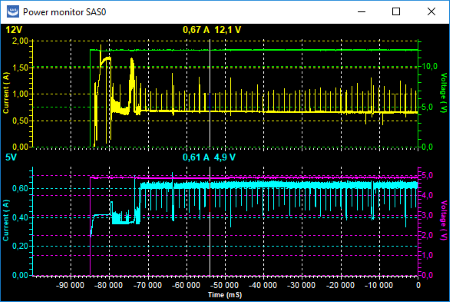
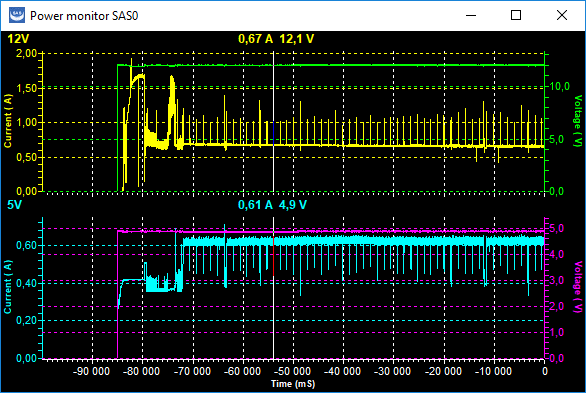
PC-KEY 2 power controller

 What's new in PC-3000 for SCSI Ver.3x software?

Hardware:
  • Added control of 3 external power supplies of ATX standard.
  • Added protection on HDD power supply.
Software:
  • User interface is similar to PC-3000 for Windows.
  • Elaborated utilities: Universal, IBM, Maxtor-Quantum.
  • Added new utility for HDD Seagate SCSI.
  • New DBMS for resource storage - one of the most safe database of all existing ones.
  • Activation instead of licences.
  • Compatible work with Data Extractor.

 Main differences between PC-3000 for SCSI Ver.2x and NEW PC-3000 for SCSI Ver.3x.

Functionality PC-3000 for SCSI
Ver.2x
New PC-3000 for SCSI
Ver.3x
PC-KEY2 card (Power supplier):
  • controls power of 1 HDD and 3 external power supplies of ATX standard.
+
Universal utility:
  • basic functions of working with any SCSI HDD: check of readiness, recalibration, self-diagnostics, identification, stop/start of spindle; - surface verification, reading, writing, complex test;
  • defect table reading, search and assignment of surface defects;
  • low-level formatting;
  • HDD self-test launching;
  • replication (image creation) of HDD and saving of any area to file.
+ +
Universal utility:
  • reading, writing, verification, replication (image creation) operations with ATA and SATA HDD;
  • possibility to use "long" reading in reading and replication operations;
  • LBA-PCHS and PCHS-LBA conversion indication;
  • indication of HDD physical parameters;
  • permission/inhibition of automatic assignment of defects on reading and writing, changing of hardware quantity of reading attempts and writing of bad sectors;
  • indication of SMART parameters and clearance of error logs;
  • HPA changing.
+
IBM Utility:
  • checking of service area surface and service information structure;
  • service information reading/writing;
  • NV-RAM and RAM reading;
  • zone allocation table viewing;
  • self-tests IBM launching.
+ +
IBM Utility:
  • new algorithm of utility launching at loading module table from file or database;
  • physical head test;
  • defect relocation from G-List into P-List with translator regeneration;
  • "Format integrity checking disable" option;
  • Possibility to read modules by ignoring the error and by the composition method;
  • More exact list of additional error codes;
+
Maxtor-Quantum Utility:
  • service information structure checking;
  • reading/writing of service information modules and service tracks;
  • CP (Config Pages) reading, writing CP into memory;
  • loading of microcode into service area and memory;
  • reading/writing on physical parameters;
  • LBA-CHS conversion indication.
+ +
Maxtor-Quantum Utility:
  • new algorithm of utility launching at loading resources necessary for launching the utility from file or database;
  • physical head test;
  • saving offline-start resources to files or database;
  • service area surface checking;
  • possibility to read modules by ignoring the error and by the composition method;
  • reading on physical parameters, also in LBA logical sequence (i. e. in that one in which data were written by the user) with the possibility of writing the read information into the file;
  • reading on logical parameters, also by "long" reading with the possibility of writing the read information into the file;
  • writing on logical parameters, also from earlier saved files with read user data to another good HDD.
+
Seagate Utility:
  • restoration of damaged translator. The user data are saved (the problem when capacity = 0);
  • reading/writing of service tracks also by ignoring the error and by the composition method;
  • service area surface checking;
  • reading on physical parameters, also in LBA logical sequence (i. e. in that one in which data were written by the user) with the possibility of writing the read information into the file;
  • reading on logical parameters, also by "long" reading with the possibility of writing the read information into the file;
  • writing on logical or physical parameters, also from earlier saved files with read user data to another good HDD;
  • testing of heads and surface on physical parameters;
  • editing HDD serial number.
+

We have done really great job. Functionally we have elaborated all the utilities - universal one, IBM, Maxtor-Quantum and added utility for Seagate. We have also changed the user interface in its unification, set of utilities, menu view etc. and have built-in a new database.

 More about Universal utility.
  • supports SCSI HDD of all manufacturers - Seagate, IBM, Maxtor-Quantum, Fujitsu, Hitachi-HGST;
  • helps to simultaneously test all HDD connected to the system, for one channel SCSI it is 15 HDD, for two channels - 30 etc and do tests and service operations for each of them independently of all others, for example you can start read test on one and write test on the other. HDD can be connected and disconnected without reloading the computer and restarting the utility;
  • tests HDD capacity and shows it as a diagram;
  • has convenient sector editor which enables to view and edit selected parts of the surface and also to save it to the file;
  • all results of the tests can be saved into files or database. During operation all actions are logged.
In the utility the following possibilities are realized:
  1. Running of elementary tests (readiness check, recalibration, self-diagnostics, drive ID reading, spindle stop/start).
  2. Surface verification.
  3. Read test.
  4. Write test.
  5. Seek test.
  6. Complex HDD test including all of the above.
  7. Reading of PLIST and GLIST defect tables.
  8. Seek and assign of surface defects.
  9. Low-level HDD format with possibility of defect relocation and erasing GLIST.
  10. Launch of short HDD self-test.
  11. Replication (image creation) of HDD - copying data from one HDD to any quantity of HDD connected to the system.
What's new in the universal utility?
  1. Added possibility of simultaneous and independent operation with all HDDs connected to the standard ports ATA and SATA in Win2K and Windows XP operating systems. Available test operations - read, write, verification, replication (copying information from one HDD to any number of connected HDDs). In HDD replication it is possible to copy from SCSI to SCSI, from SCSI to ATA/SATA, from ATA/SATA to SCSI, from ATA/SATA to ATA/SATA, i. e. any combinations.
  2. In reading and image creation we added the possibility of usaging the command of "long" reading instead of the command of standard reading. It could be used in some data recovery cases at the translator damage or unstable reading.
  3. In HDD replication we added the possibility to choose the quantity of LBA read data by one command. It's vital for HDD with unstable reading.
  4. In formatting command we added the possibility to load defect table in LBA format.
  5. Added indication of LBA-PCHS and PCHS-LBA conversion to investigate the operation of the translator.
  6. Added possibility to form soft BAD-sector by "long" writing.
  7. Added menu "HDD configuration" in which the following possibilities are realized:
    • indication of physical parameters - quantity of cylinders, heads, speed of rotation. Zone distribution table identification, hardware quantity of attempts of reading, writing, verification on bad sectors;
    • in mode select command it is possible to permit/inhibit automatic defect relocation at reading and writing, change of hardware quantity of attempts of reading and writing of bad sectors and time limit of processing these sectors;
    • permitting/inhibiting of data cashing in read-write operations.

  8. Added Log sense command by which a list of supported configuration pages and their content is indicated. Here we also give decoding of many actual parameters: date of HDD manufacturing, number of start-stop cycles, HDD temperature, total number of read, written sectors and also SMART parameters - number of mistakes in data processing and codes of SMART state. Here you can also clear error logs.
  9. Added possibility of HPA change (HDD capacity) and setting the capacity on default (maximum capacity).
  10. Added button in toolbar by which we realized rapid access to the elementary operations - check of readiness, recalibration, start/stop. This same buttorn is available in all specialized utilities.

 More about Specialized utilities.

In the extension of all specialized utilities we added new unitized instruments —
"Modules table" and "View SA objects" which helps to view, edit, save, do different service operations over available resources of the certain HDD - modules and service information tracks, user zone tracks, configuration pages, RAM/ROM.

IBM utility

In this utility the following possibilities are realized:

  1. Service area surface checking.
  2. Service information structure checking.
  3. Service information module reading.
  4. Service information module writing.
  5. NV-RAM and RAM reading.
  6. Zone distribution table viewing.
  7. Self-tests IBM launching.

What's new in IBM utility?

  1. Changed procedure of entrance into the utility at loading the module table from file or database.
  2. Added physical head test
  3. Realized of defect relocation from G-List into P-List with translator regeneration.
  4. In HDD configuration there is a possibility to set up the option "Format degraded disable" which enables to get access to the user data in HDD with the error "Medium Format Corrupted" or the similar ones connected with the format error.
  5. Added possibility to read modules by ignoring the error and by the composition method.
  6. Overviewed list of additional codes of errors which detail the defect cause. This list helps in many cases to define exactly the cause of HDD damage.

Maxtor-Quantum utility

In this utility the following possibilities are realized:

  1. Service information structure check.
  2. Service information module reading/writing.
  3. SA track reading/writing.
  4. Reading CP (Config Pages), writing CP into memory.
  5. Loading of microcode into service area and memory.
  6. Reading/writing on physical parameters.
  7. LBA-CHS conversion indication.

What's new in Maxtor-Quantum utility?

  1. Changed procedure of the utility initialization at loading the resources necessary for utility loading, from file or database.
  2. Added physical head test.
  3. Added saving of offline-resources into files or database.
  4. Added check of service area surface.
  5. Added possibility to read modules by ignoring the error and by the composition method.
  6. In reading on physical parameters we added the possibility to read in LBA logical sequence (i. e. in that one in which data were written by the user) and considering P-List with the possibility of writing the read information into the file.
  7. In reading on logical parameters we added the possibility of "long" reading with the possibility to write the read information into file.
  8. In writing on logical parameters we added the possibility of writing from early saved files with the read user data to another good HDD.

Seagate utility.

In this utility the following possibilities are realized:

  1. Restoration of damaged translator. The user data are saved.
  2. Reading-writing of SA tracks including both methods: by error ignoring and by compositional method.
  3. Service area surface checking.
  4. Reading on physical parameters, also in LBA logical sequence (i. e. in that one in which data were written by the user) and considering Plist with the possibility of writing the read information into the file.
  5. In reading on logical parameters we added the possibility of "long" reading with the possibility to write the read information into file.
  6. Writing on logical and physical parameters, also from early saved files with the read user data to another good HDD.
  7. Head and surface testing on physical parameters.
  8. Editing of HDD serial number.
The documentation for the utility describes in detail the features according to which you can determine the damage of the translator (that is often the reason of HDD Seagate non-operation) and the methods of its restoration while user data are saved. We analyzed the methodics of reading the information on physical parameters into file in case when HDD can't read on logical parameters.

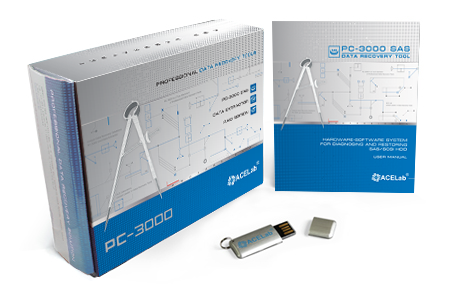
 PC-3000 for SCSI kit.

  • PC-KEY2 (Power Supplier) card
  • Power cable
  • Mini-Fit cable of power supply PC ATX
  • PC-3000 for SCSI software
  • User manual
  • Envelope with license and installation key

PC-3000 for SCSI kit

Go up

Next: Examples of application >>