 |
 |
 |
|
|
 |
|
 |
|
|
| © Copyright ACE Laboratory |
|
|
 |
|
|
 |
 |
|
|
|
 |
|
PC-3000 |
 |
PC-3000 is not merely a tool but rather a technology, which allows HDD restoration in typical environments of data recovery companies providing access to user data in cases, when a hard drive is physically damaged. The technology has been developed specifically for small businesses and therefore it does not require obligatory use of clean rooms, servo writers or other expensive equipment.
|
What is PC-3000 for Windows UDMA? |
 |
It is a new product of our company combining a wealth of long experience in data recovery and HDD repair market with 20 years of work with our first products: PC-2000 MFM/RLL, PC-3000 DOS (ISA), and PC-3000 for Windows PCI. PC-3000 for Windows UDMA together with Data Extractor UDMA is a recognized WORLD LEADER.
PC-3000 for Windows UDMA is the professional hardware-software that diagnoses and repairs damaged Hard Disk Drives before recovering data from them.
PC-3000 for Windows UDMA supports the biggest number of Hard Disk Drives, from the earliest to the most modern models, providing you with the ability to recover data from the rarest models that are not being supported by any other products in the world.
It successfully handles the following Hard Disk Drives:
Seagate, Western Digital, Fujitsu, Samsung, Maxtor, Quantum, IBM (HGST), HITACHI, TOSHIBA:
- with ATA (IDE), SATA (Serial ATA 1.0, 2.0), mini ATA, Compact Flash interfaces;
- with capacity from 1 Gb up to unlimited capacity;
- with form factor:
3.5″ — desktop computers;
2.5″ and 1.8″ — laptop drives;
1.8″ — portable computers/devices;
1.0″ — portable computers/devices with Compact Flash interface.
See the list of all HDD models supported by PC-3000 for Windows UDMA
See general list of problems which PC-3000 for Windows UDMA can solve
|
Basic principles of operation |
 |
PC-3000 UDMA Professional system
PC-3000 UDMA Professional system is the combination of PC-3000 for Windows (UDMA) and Data Extractor UDMA that operate
in tandem and form a complete solution for restoring IDE (PATA and SATA) drives and recovering data from them.
This is the only solution that solves up to 90 % of all existing cases!
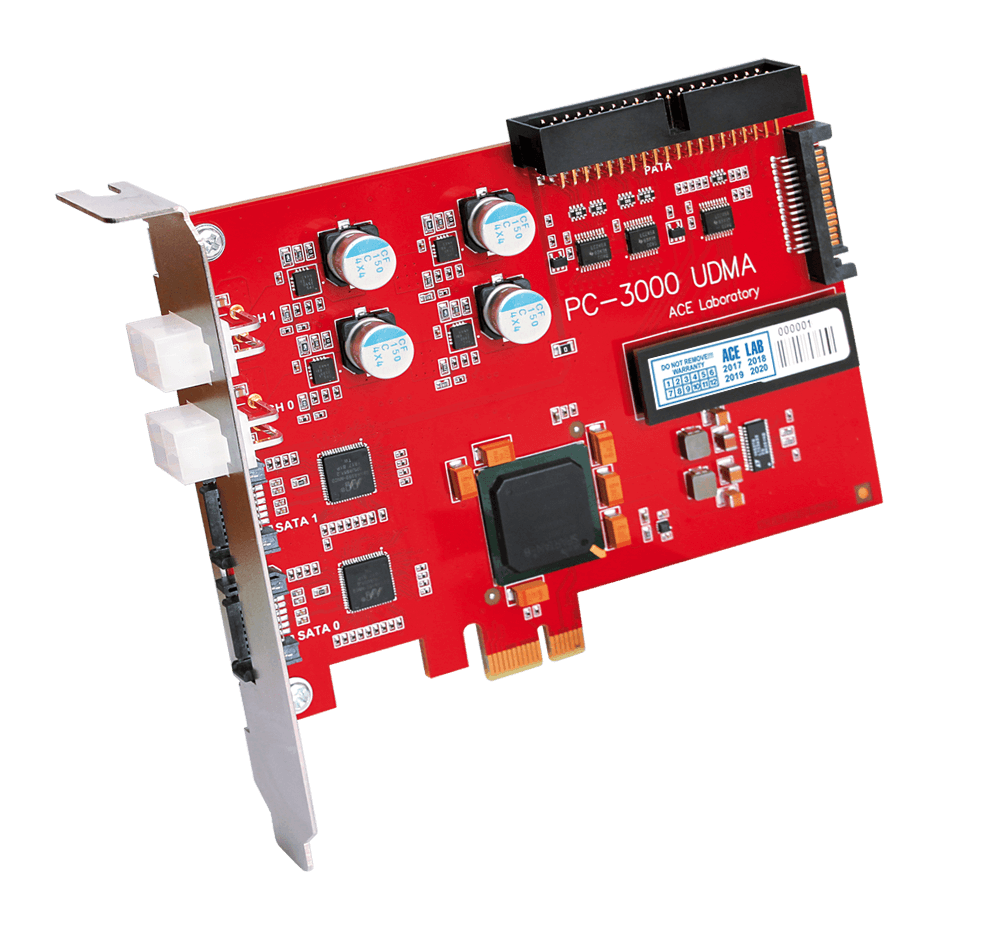
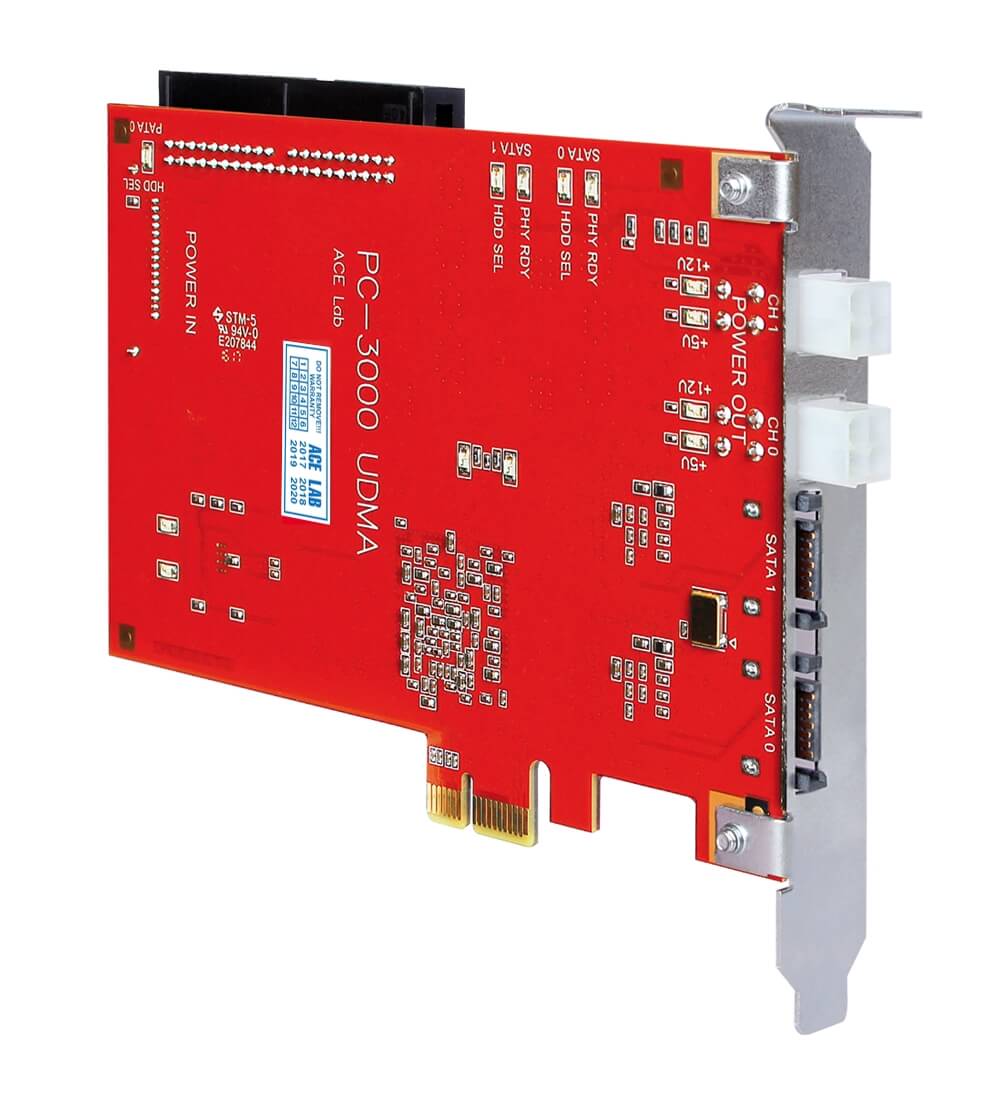
Dual port tester board
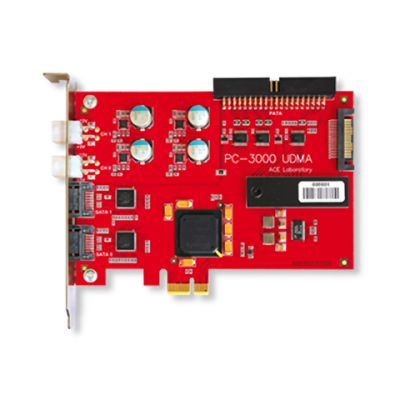
Operations with Hard Disk Drives are performed via PC-3000 UDMA specialized tester board.
- Specialized board with two independent high-performance diagnostic ports for connecting the HDD to be restored
- PCI interface of the board that enables the highest speed of data transfer between the computer and the board
- Independent two-channel supply power adapter with overload protection.
Universal and Specialized utilities
The PC-3000 for Windows UDMA software consists of universal and specialized utilities providing large range of diagnostic capabilities and ways to solve HDD problems
- Universal utilities provide you fast HDD diagnostics that reveal the root of the problem and the ultimate solution to repair it. These utilities support operations with any 3.5", 2.5", 1.8" SATA or PATA HDD or 1.0" HDD with the Compact Flash interface.
- Specialized utilities allow diagnostics and recovery in specialized FACTORY mode of hard drive operation. That mode cannot be universal; it is unique for each drive family. That is why PC-3000 for Windows UDMA solution includes individual factory mode utilities for each HDD family. These specialized utilities allow deeper diagnostics of drive malfunctions and subsequent restoration of its functionality. Alternatively, if a HDD cannot be restored, the utilities provide an opportunity to access user data.
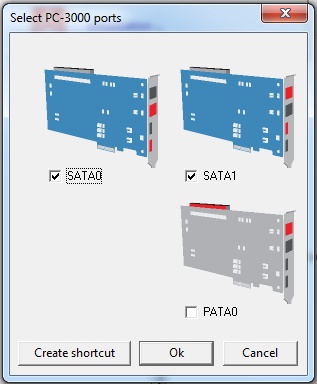
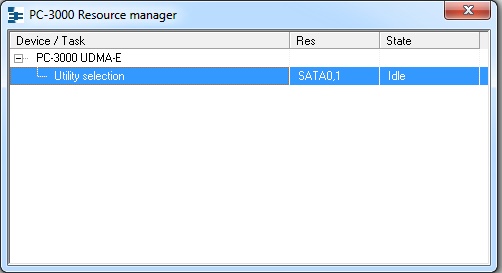
Simultaneous work with two HDD
- You may work with two Hard Disk Drives at the same time
"MR-head shift technology"
If one of heads in Hard Disk Drive is damaged, the drive does not get ready state or forms
dynamic part of translator incorrectly, as a result you can't read user information.
Unique “MR-head shift technology” enables to virtually replace bad heads to good ones in drive RAM.
Your drive will “think” that all MR-heads are good, will build correct translator and get ready state.
After that, you can easily read user data on good heads. Moreover, this technology simplifies the search
of donor drive and you can use donor drive with even another number of heads.
For advanced users
- Especially for the advanced users each technological utility has special HDD's resources view and edit mode which helps you to work with service area, ROM and RAM areas most thoroughly.
- The users also can add new factory modes on their own. For this, PC-3000 UDMA Professional system has Built-in script engine, which allows independent extension of utility features.
Of course, the task may be daunting for novice users, but after some experience you may attempt to enhance its functionality. Open interface of the PC-3000 for Windows UDMA suite provides a wide range of opportunities for that purpose. Besides, users of PC-3000 for Windows UDMA can exchange the resources and ready scripts for new factory modes.
- ATA Commander is the another tool that allows inspection of new HDD modes. In fact, it offers a real research lab for users who wish to analyze HDD operation on their own. АТА Commander allows you to send to a HDD any command including factory ones. It also supports their classification, reuse and conversion to scripts, if necessary.
Database
PC-3000 UDMA Professional system has the massive database of factory firmware resources: FLASH ROMs, Service Area, Modules, Tracks and other HDD critical resources.
- The necessary database is supplied on the installation CD.
- You may download all available resources from the ACE Laboratory database. They are grouped by families, models, and firmware versions.
- You may add your own resources, for example new objects from the latest HDD models, on your own.
- All users can exchange all resources they have between each other.
Regular updates
- Major Updates are released three-four times a year. We add a lot of the many most popular and new Hard Disk Drives into PC-3000 UDMA Professional system. You may see all updates of PC-3000 UDMA Professional system here...
Data recovery cases are various and if you have any difficulty in solving your case, you may use Technical Support that gives an opportunity of many ways of support by our qualified engineers, including emergency 24/7 phone line, downloading regular update programmes, an access to our forum, where you may exchange experience with the true data recovery professionals, access to our vast firmware database, video-materials which allow you improve your knowledge and skills.
|
Which problems can I solve using PC-3000 for Windows UDMA? |
 |
Specialists reading this section may have different levels of proficiency. Someone may face minor drive malfunctions, such as BIOS inability to identify HDD parameters or impossibility to view partitions containing user data; others may experience difficulties with defective modules in HDD firmware area or damaged system of LBA translation into PCHS.
We often receive a question: "Will PC-3000 help if a HDD produces knocking sounds?" The question has no simple answer without preliminary analysis of the causes of HDD damage, which result in the knocking sound. Therefore the answer may be both YES or NO depending upon the situation. However, let us consider some guidelines…
The features provided by PC-3000 for Windows UDMA can be conventionally subdivided into two parts according to their purpose:
- HDD repair
- Data recovery
Please note that very frequently the second goal cannot be reached without the first one. That is why PC-3000 includes tools for both those purposes and it is up to users to decide which modes of product functionality may be necessary in a specific situation.
We shall not go into detail analyzing possible HDD malfunctions (such analysis may take several pages) discussing instead just the features of PC-3000 suite applicable for detection of malfunctions and restoration of HDD functionality
Operations with HDD printed circuit board (PCB):
- Scanning of firmware microcode in ROM; verification of configuration data in ROM; verification of firmware version in ROM; buffer RAM test; performance of self-diagnostics.
- Reading and recording of Flash ROM containing firmware microcode and configuration data in ROM. The data for programming of Flash ROM can be copied from the resource database of the PC-3000 for Windows UDMA suite.
Operations with HDD service area (SA):
- Testing of service area for BAD sectors; scanning of service modules to detect possibly corrupted sections.
- Erasure and formatting of service area; restoration of damaged SA modules or their overwriting with standard reference data from the resource database of PC-3000 for Windows UDMA.
Operations with HDD disks:
- Surface testing and detection of BAD sectors; launching the internal low-level format procedure.
- Relocation of revealed surface defects updating the defect tables; launching the Self Test procedure.
Operations with reading/writing HDD heads:
- Head testing (for some drive families only).
- Isolation of malfunctioning heads. HDD capacity decreases in such cases but the drive can become completely functional.
Universal features for operations with HDD:
- An opportunity to reset SMART parameters of HDD.
- An opportunity to correct drive identification data (ID).
- An opportunity to unlock USER and MASTER passwords in HDD.
- An opportunity to delete HDD data quickly without impeding its functionality.
- Reading data in UDMA66 mode.
New features implemented for use with Data Extractor:
- An opportunity to read user data from a HDD that cannot operate in accordance with its logical parameters. The reading routine in that case uses physical parameters taking into account actual drive translation tables or, if they are damaged, their virtually reconstructed copies.
- An opportunity to read user data using specified heads without their sequential switching. The feature can be helpful in cases when one of magnetic heads is damaged or when the magnetic heads assembly has been replaced.
- Disabling of autorealocation modes during data recovery from damaged surfaces.
|
Main differences between PC-3000 PCI and PC-3000 UDMA |
 |
PC-3000 for Windows UDMA is a new product as the further development of the PC-3000 suite; it is based on the PC-3000 for Windows PCI software engine.
Hardware:
| Functionality |
PC-3000 for Windows PCI |
PC-3000 for Windows UDMA |
| Tester board |
PC-3000 PCI |
PC-3000 UDMA |
| PCI mode |
PCI Slave |
PCI Bus Master |
| Data exchange with HDD |
PIO |
PIO, UDMA33, UDMA66 |
HDD data exchange rate: HDD: Seagate 7200.10; PC: i975, Core2Duo, 1Gb.
|
In PIO mode: Read: 7.4 Mb/s Write: 6.0 Mb/s
|
In UDMA66 mode: Read: 60 Mb/s Write: 59 Mb/s
|
| Simultaneous operation of two HDD |
Dependant pseudo parallel |
Completely parallel and independent functioning of two channels |
| HDD Cable Select mode management |
Manually with a jumper setting |
Software |
| Power supply adapter |
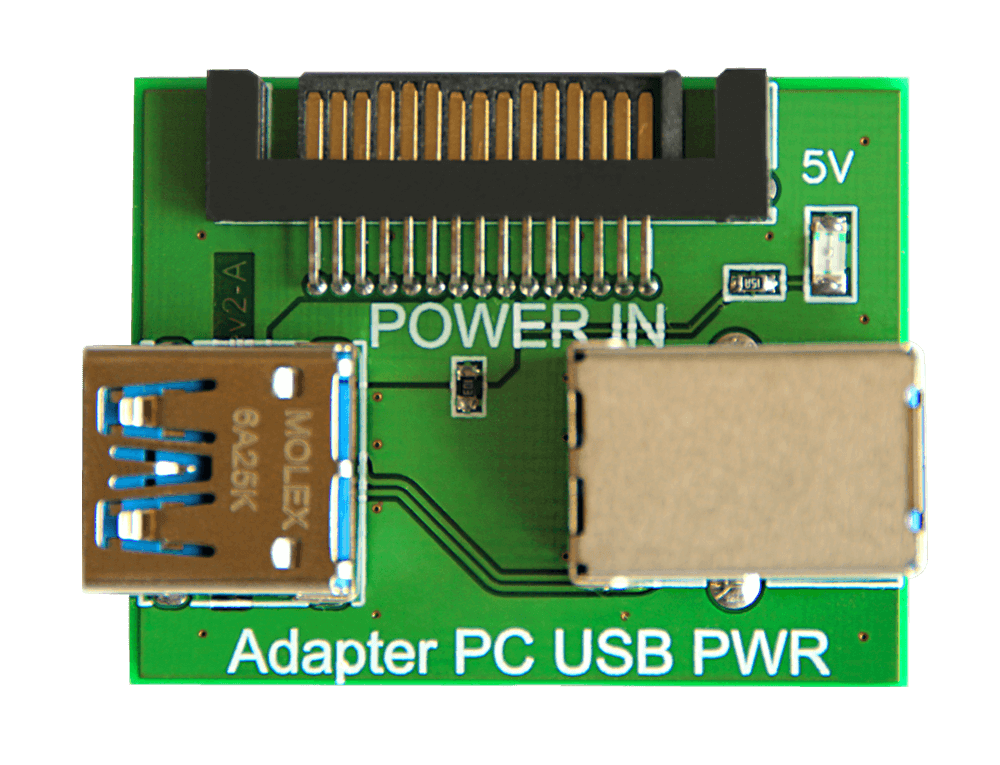
PC3K PWR, single-channel, for one HDD only |
PC3K PWR2, double-channel, for two HDD |
| Power supply protection |
No |
Yes |
Dramatically increased data recovery rate - performance increase of PC-3000 UDMA board compared with PC-3000 PCI is over 700%!
Software:
| Functionality |
PC-3000 for Windows PCI |
PC-3000 for Windows UDMA |
| PC-3000 for Windows PCI utilities |
Supported |
Supported |
| Utilities for earlier HDD models (from PC-3000 DOS) |
Not supported |
Supported (all HDD > 1 Gb) |
| Utilities for new HDD |
Not supported |
Supported |
| Database for HDD resources |
Borland Batabase Engine (Paradox 7.0) |
FireBird database server |
| Script engine |
Yes |
Yes |
| ATA Commander |
No |
Yes |
| Software protection system |
License |
Activation |
| Reasons of requesting a new license/activation. |
All changes in the hardware or software of the host PC. |
Reinstallation of PC-3000 for Windows UDMA |
License is requested each time it expires; activation is only requested once during product installation.
|
Why do you use PC-3000? |
 |
What else could we use? HDD manufacturers do not offer specialized software for repair or data recovery. All known software products distributed by HDD manufacturers (available from the technical support sections of their respective web sites) allow just general drive diagnostics, surface testing for BAD sectors making in the end conclusions that look like: "Please contact the technical support service".
Testing software used at the manufacturing factories is generally very complicated. It is designed for hard drive developers and not intended for restoring HDD being able instead to identify the causes of defects in the technological process or to control the whole HDD assembly cycle. However, versions of such software with limited functionality are sometimes available from HDD resellers. Here belong such well-known programs as DDD/DFT from IBM, HiTest for Hitachi, and Vtool for Samsung drives. The main problem of work with such software is not its complexity but rather lack of accompanying manuals and methods for HDD restoration, absence of resources (HDD ROM contents, various loaders, burn tests and scan test files). All those aspects make its purchase useless.
There is also free software, for example, MHDD, LHDD, Victoria, etc. It is available from the Internet and it can be downloaded at no charge. Being free is its only advantage, there is a serious drawback, too. Developers of such software design it just for personal interest doing it at free time. Thus it is out of question to speak about any technical support, scheduled releases of new versions or any serious research in the sphere of HDD repair and data recovery.
"No day without researches" - it is the motto of our developers who before setting up ACE Laboratory used to work in Rostov Scientific Research Microtechnology Institute and plunged into the heart of HDD development and manufacturing. They gained knoweledge and experience preparing to create a really powerful technology for the most efficient work in Data Recovery and HDD Repair.
PC-3000 was developed to give all data recovery professionals one single solution for many data recovery cases. In-depth diagnostics of damaged HDDs, user-friendly operation with professional result, high-quality technical support done by qualified specialists, regular updates overwhelming most modern tendencies in Data Recovery - all day-by-day research and development works are done to give you the best possible solution for your HDD repair and Data Recovery business.
Every data recovery professional knows that PC-3000 can do what others can't do.
|
New peculiarities in the software suite of PC-3000 for Windows UDMA. |
 |
Hardware:
- Work with HDD in UDMA66 mode
- Data recovery rate ~ 60 Mb/s
- Completely independent parallel operation of two UDMA66 channels
- Double-channel power supply adapter for 2 HDD
- Added HDD power supply protection.
Software:
- Combined list of utilities from PC-3000 DOS and PC-3000 for Windows
- New database management system belonging to the most reliable existing products of that class
- ATA Commander - a new tool for HDD inspection
- Activation instead of a license - you cannot lose it any more
- Operation in tandem with Data Extractor:
— Reading based on physical parameters, PZCHS (Maxtor, Seagate)
— Data recovery using specified heads (heads map creation)
— Opportunity to disable the autoreallocation mode.
|
Can users add new factory modes on their own? |
 |
Yes!
If the user is quite proficient and familiar with programming basics.
For it, you can use:
- Built-in script engine
- ATA Commander
Read more about Built-in script engine and ATA Commander here...
|
Does PC-3000 for Windows UDMA support 2.5" and 1.8" HDDs? |
 |
Yes!
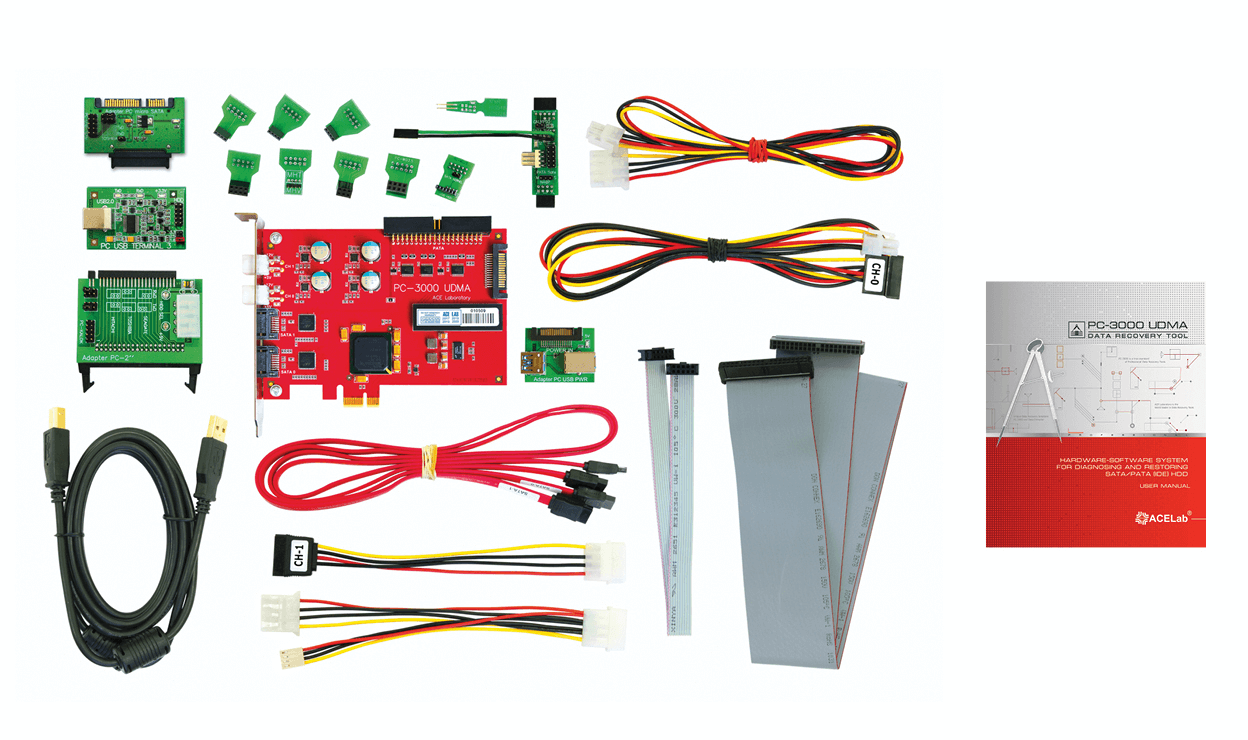
PC-3000 for Windows UDMA kit includes a special PC-2" mini ATA adapter for connection of 2.5" and 1.8" HDDs to the PC-3000 UDMA tester board. The software part of PC-3000 UDMA system includes factory mode utilities for 2.5" and 1.8" drives manufactured by IBM, Hitachi, Toshiba, Fujitsu, Seagate, Western Digital, and Samsung.
 Adapter PC-2" - is intended for switching 2.5" HDDs
|
Does PC-3000 for Windows UDMA support SATA HDDs? |
 |
Yes.
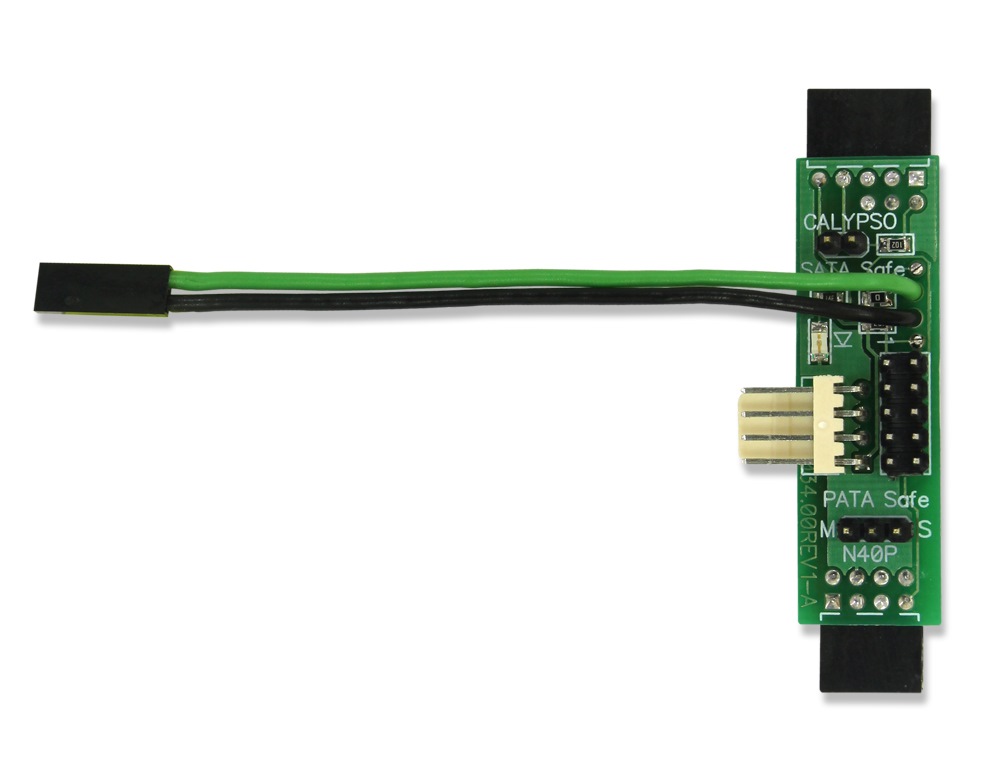
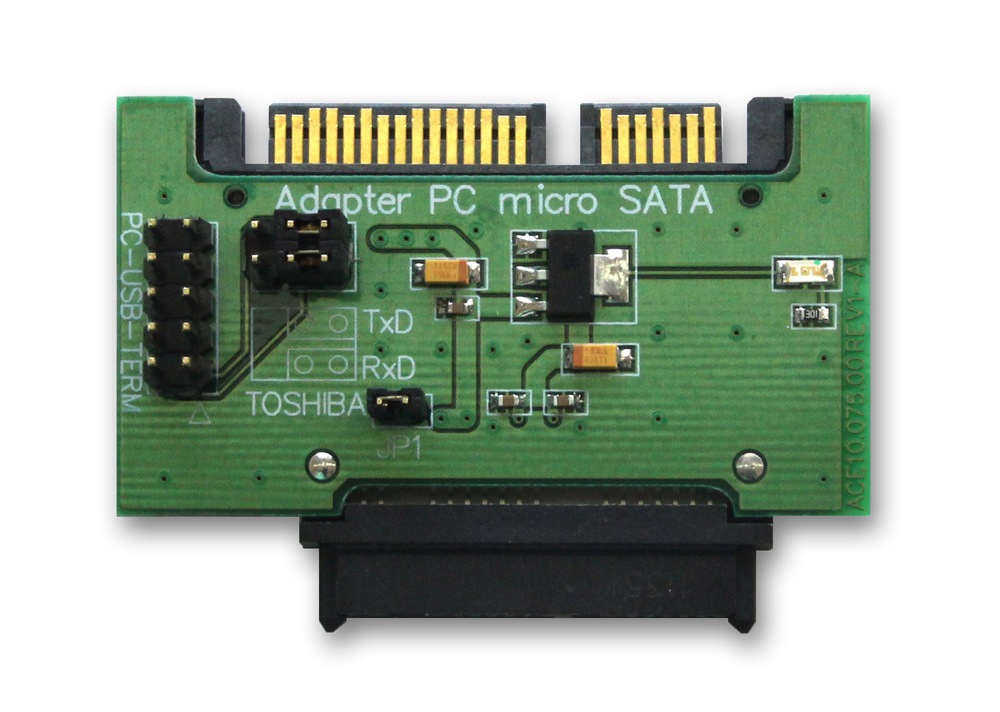
PC-3000 for Windows UDMA kit includes a special PC PATA-SATA adapter for connecting SATA HDDs to the PC-3000 UDMA tester board. The software part of the suite includes factory mode utilities for operations with SATA HDD.
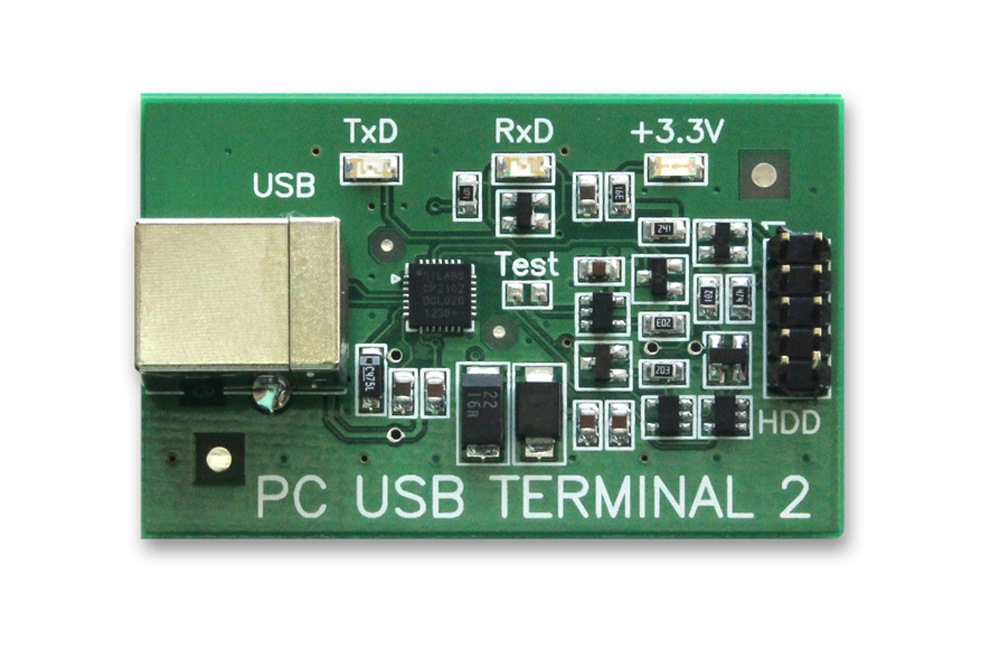
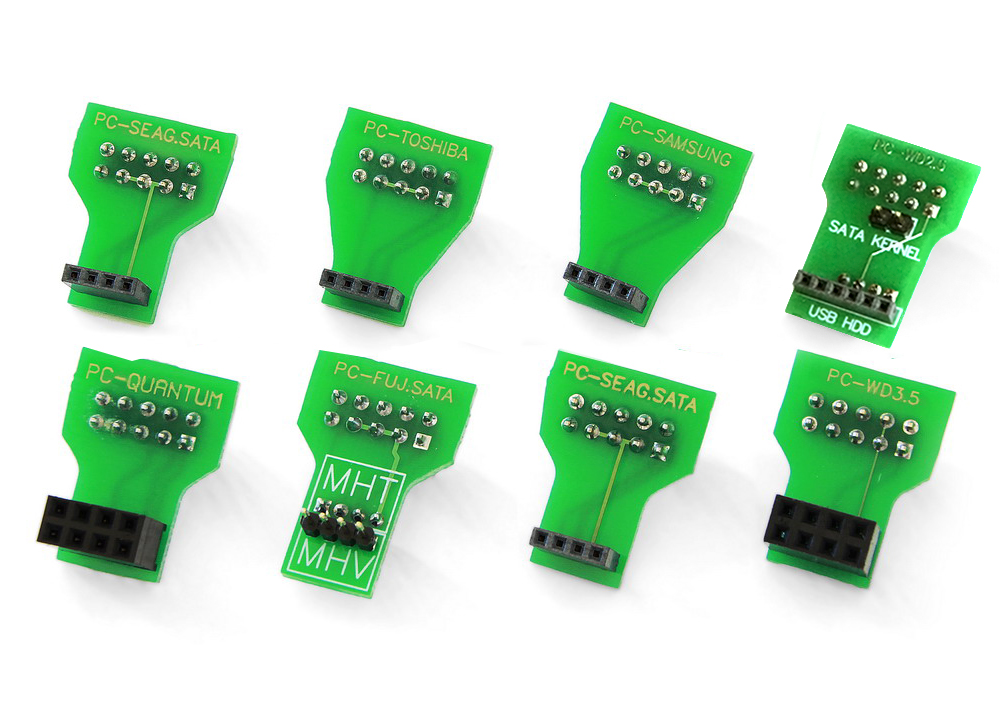
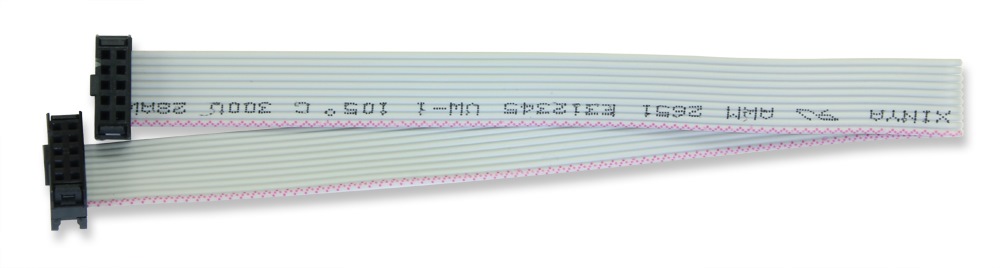
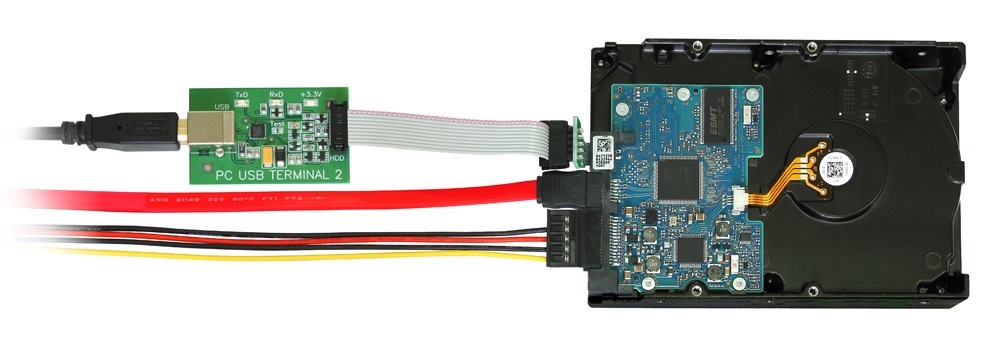
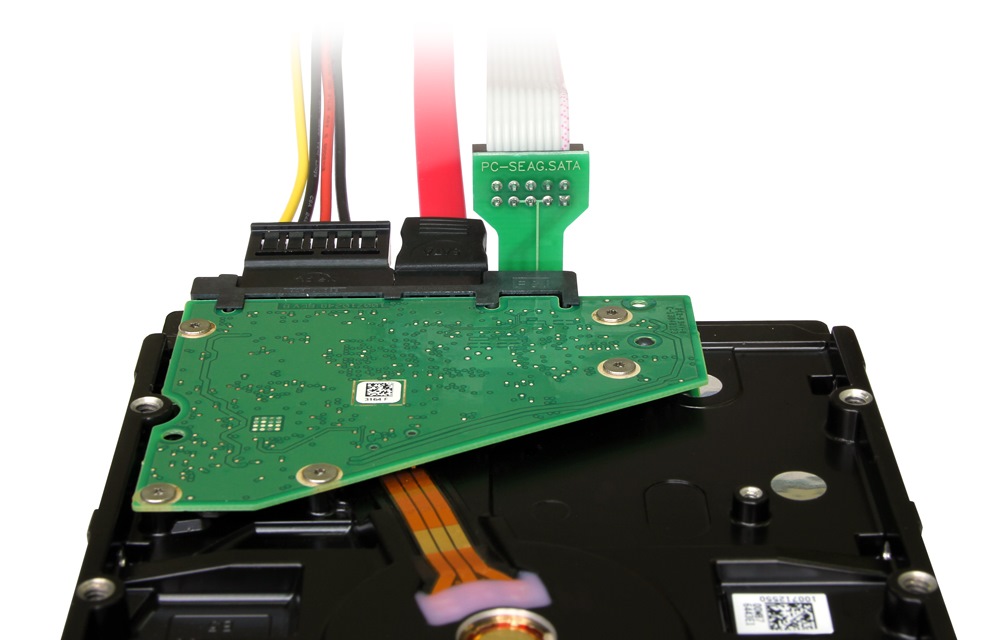
 For switching Seagate SATA HDDs to factory mode the adapters PC-USB-TERMINAL and PC-SEAG.SATA is used.
|
Can PC-3000 for Windows UDMA be used to unlock a password-protected HDD? |
 |
Yes, it can.
Factory mode utilities feature a special mode for work with the password-based security subsystem of HDDs. The mode allows you to view and erase existing Master and User passwords thus unlocking the HDD. For most 3.5" and 2.5" HDD unlocking is based entirely on software methods in factory mode. Some types of 2.5" HDD require special Unlock 2,3 probes.
With PC-3000 UDMA, you can restore much more drives than your competitors do!
|
See also:
|
 |
|
|
|
|
 |
|
|
 |
|