11th of August

New phone numbers!
We are glad to inform that ACE Laboratory company has moved to a new office. Please note that we have another phone numbers:

+7 (863) 231.22.06
+7 (863) 231.22.07
+7 (863) 231.22.08

                             More...

Your e-mail address:


Free!
Training materials for
PC-3000 and Data Extractor
                              More...


© Copyright ACE Laboratory

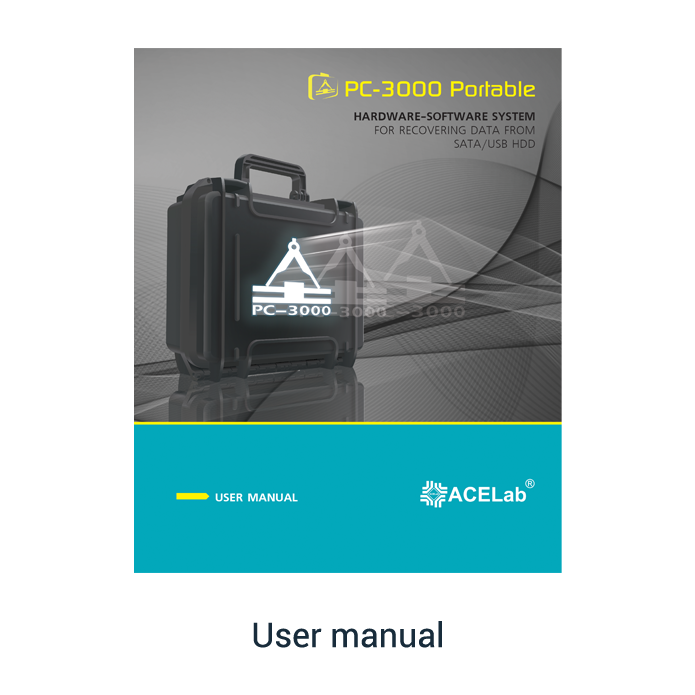
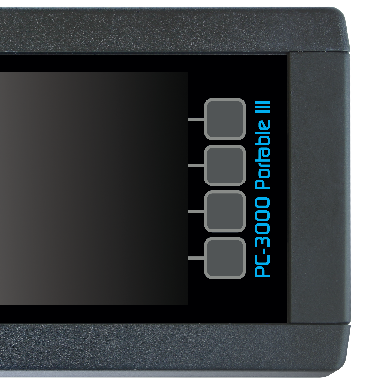
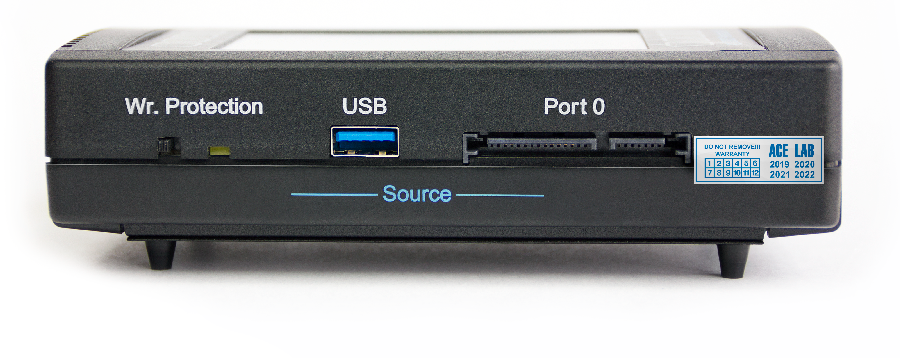
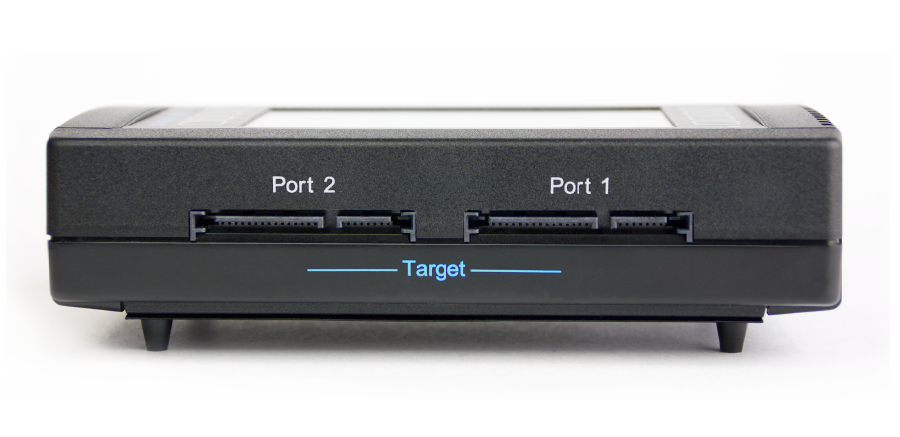
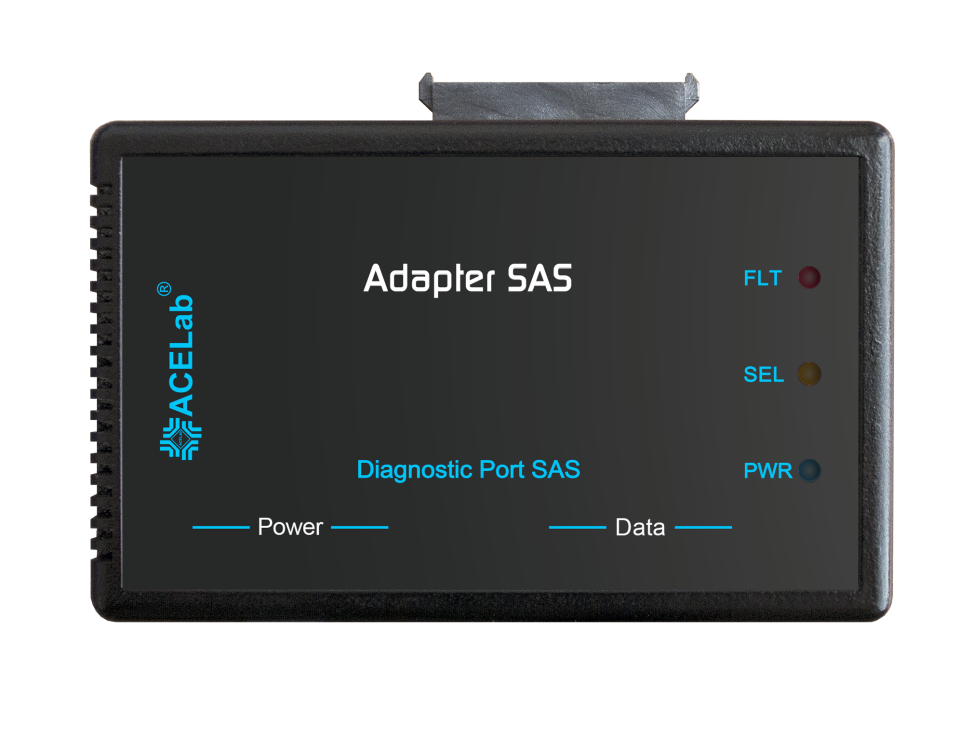
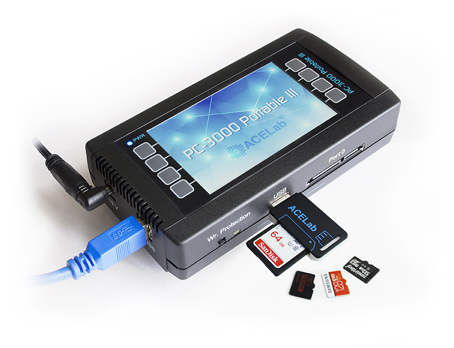
PC-3000 Portable New!
Mobile solutions for data recovery


When you solve data recovery cases, sometimes you need to do this work directly at the customer's office. Here, you can't "install operatively" the full-function complex and make all range of data recovery works.

So, your major tasks are:

  • to make quick diagnosis
  • to recover data of the easy and medium complexity
  • to do it preferably in the automatic mode
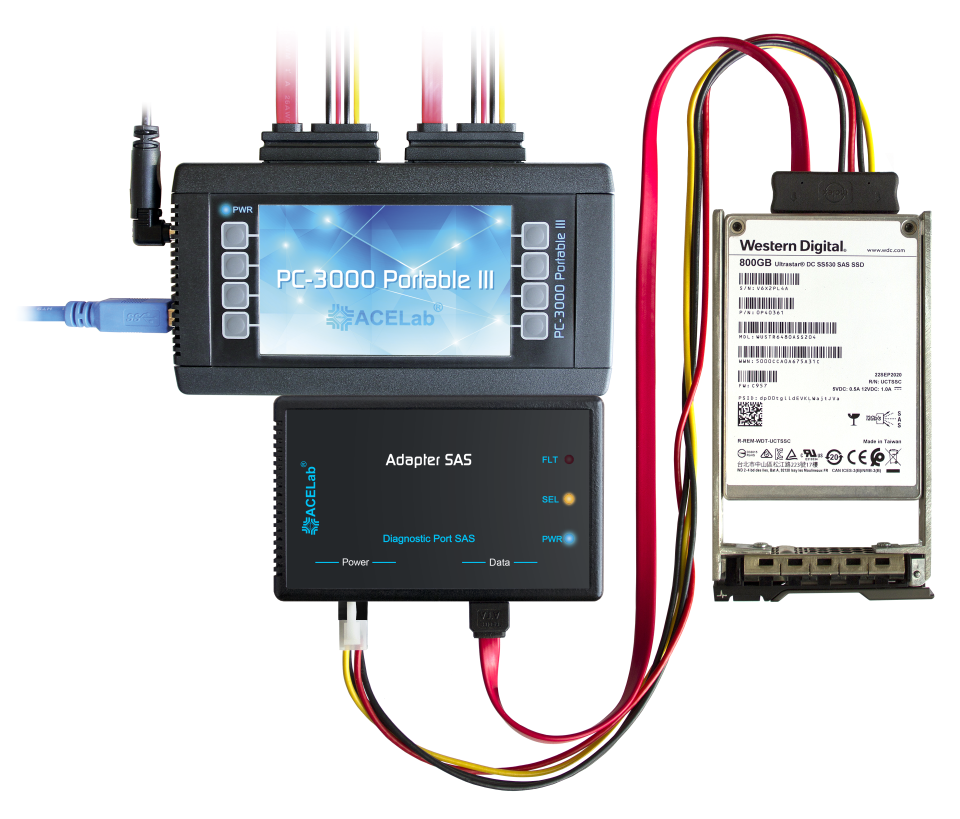
We developed "PC-3000 Portable" complex especially for this aims.

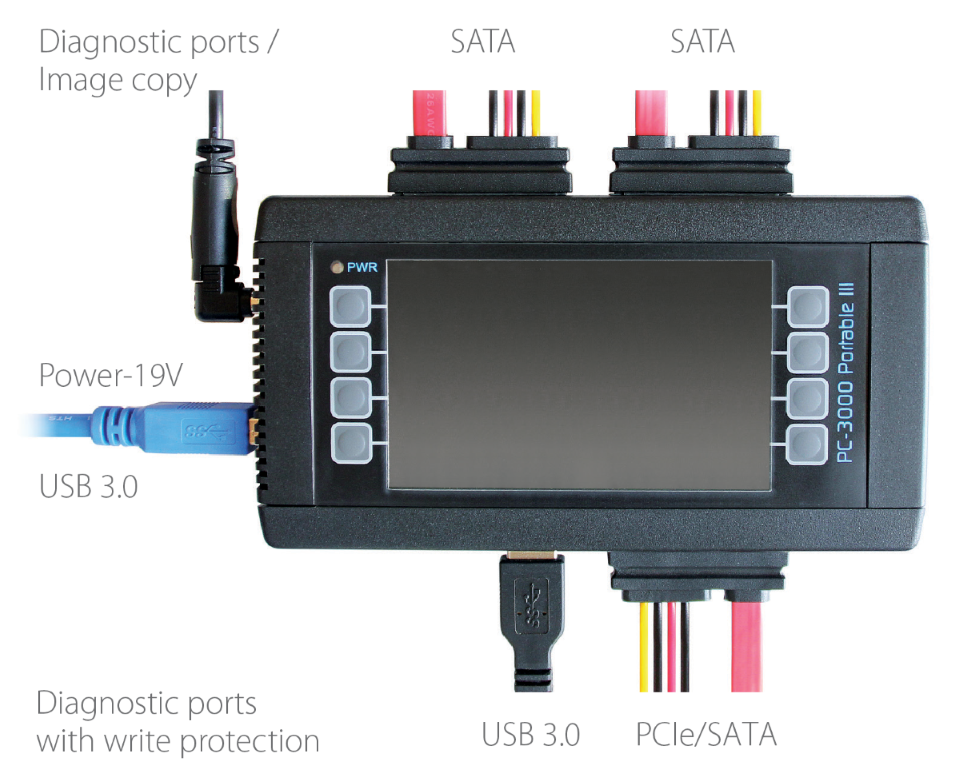
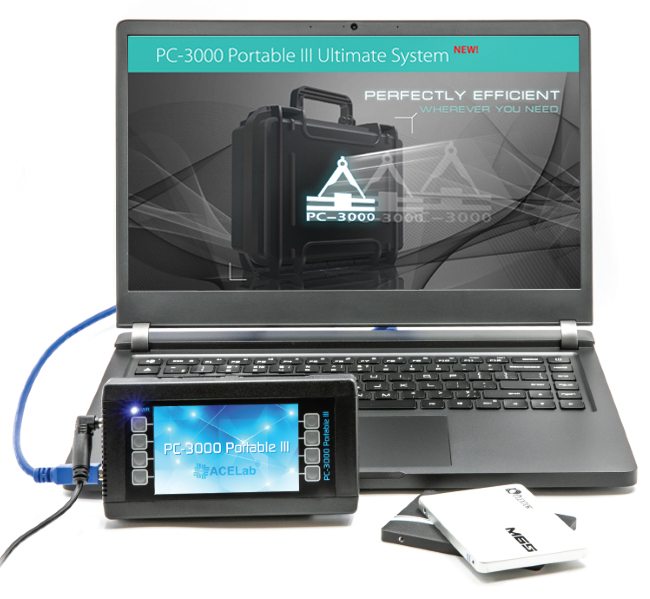
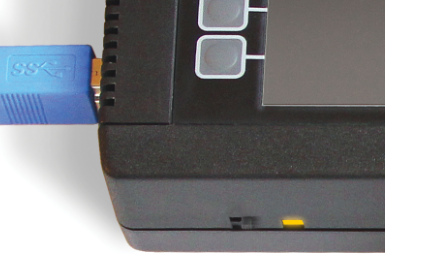
PC-3000 Portable can be connected to any computer via USB interface.

It diagnoses and recovers data from HDD with:

  • interfaces ATA (IDE) and SATA (Serial ATA)
  • capacity from 20 Gb till 500 Gb
  • form-factor 3.5″ and 2.5″
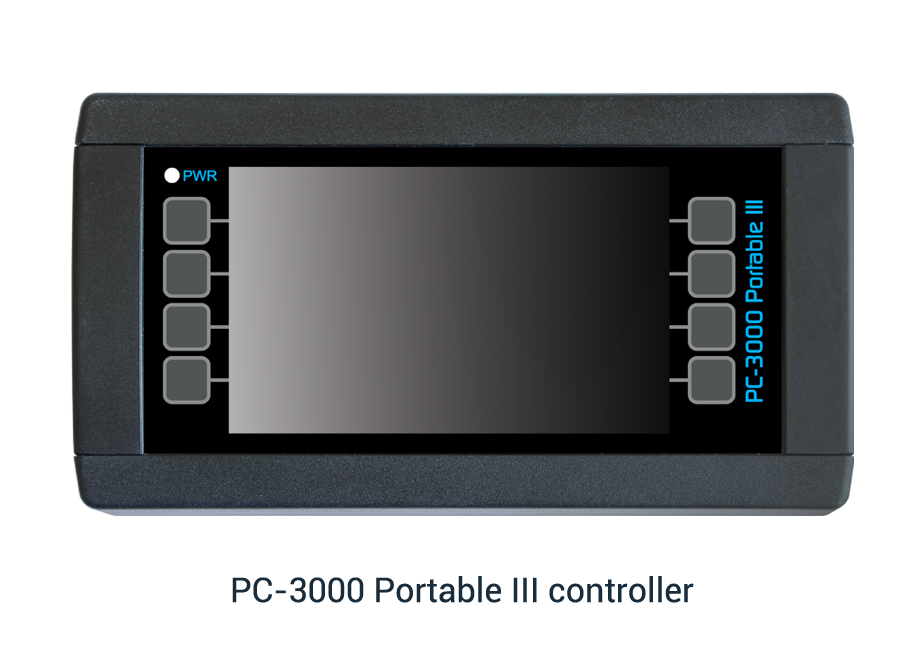
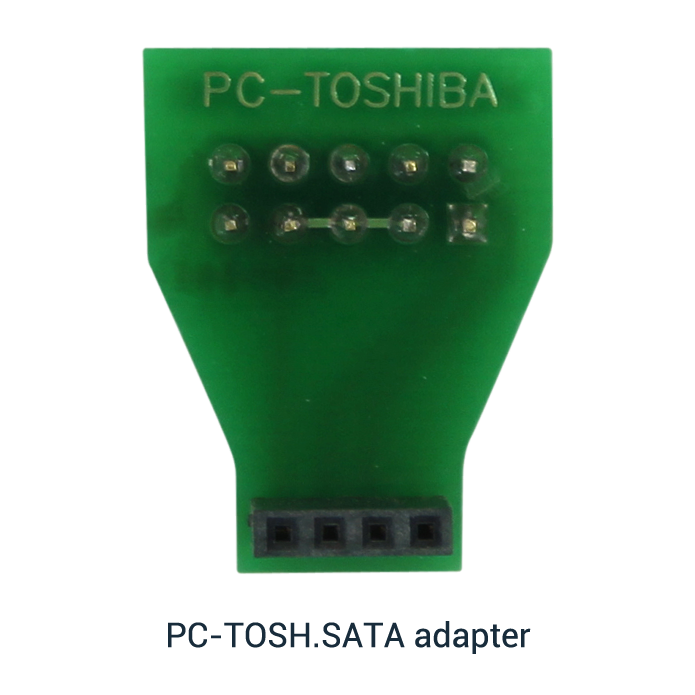
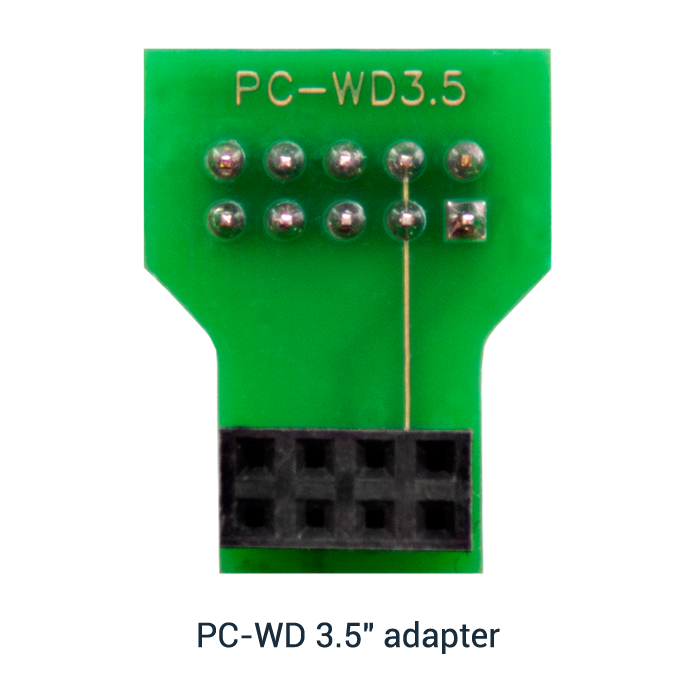
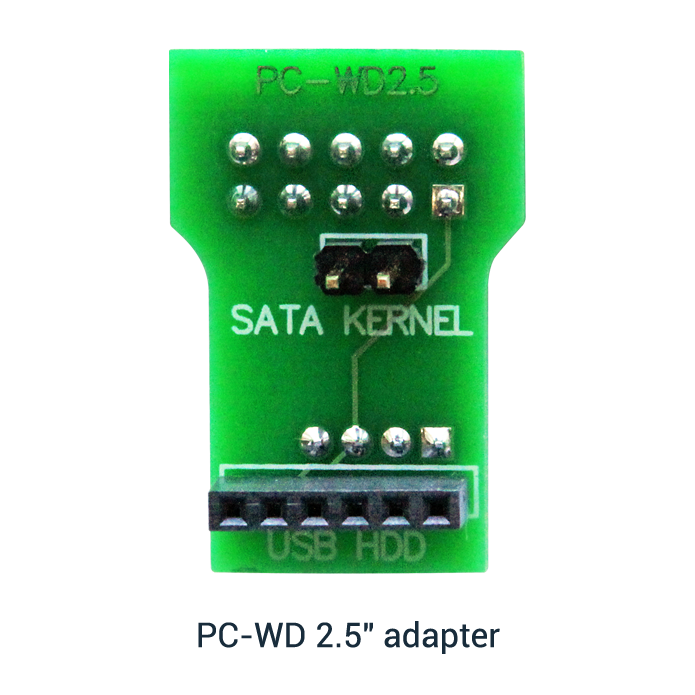
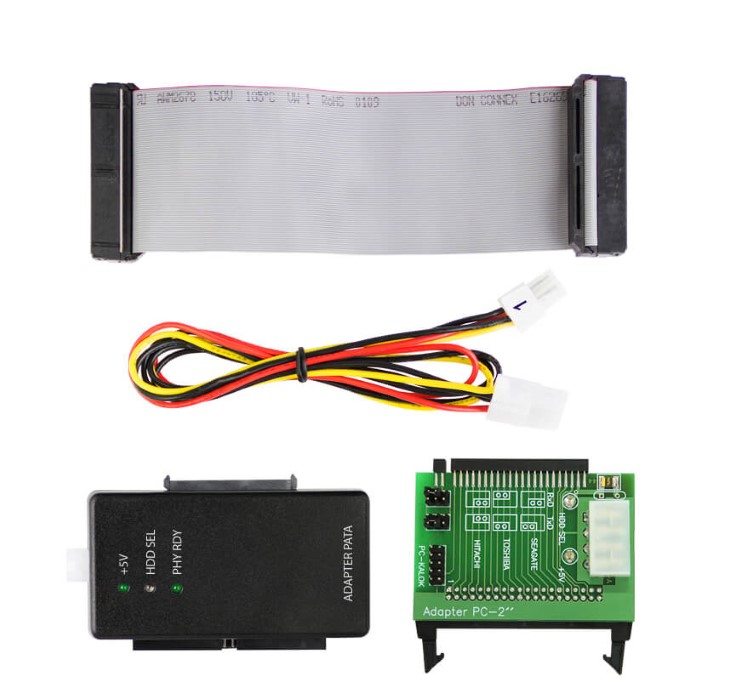
 PC-3000 Portable kit


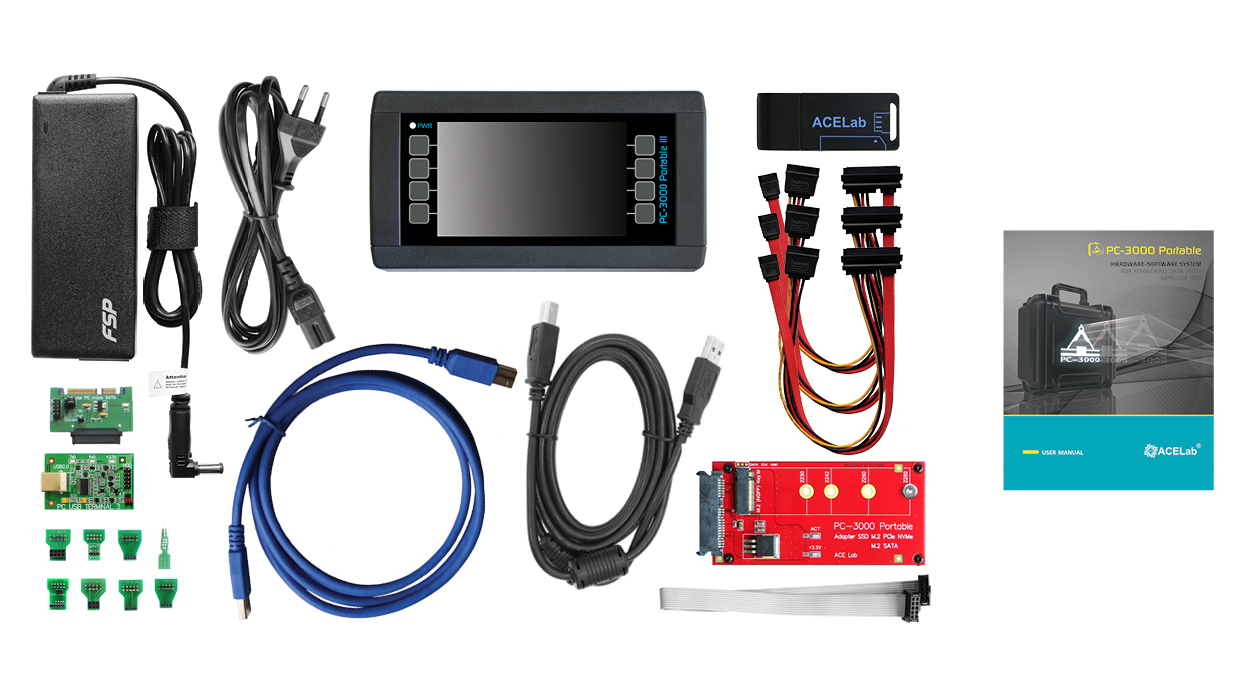
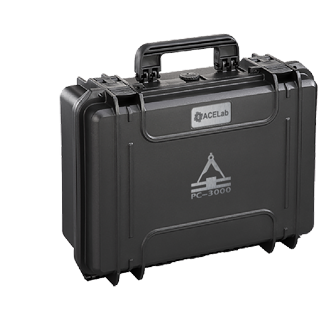
PC-3000 Portable complex has the following components:

  • Adapter-tester "PC-3000 USB", which has one UDMA33 PATA port
  • "PC-3000 Portable" software
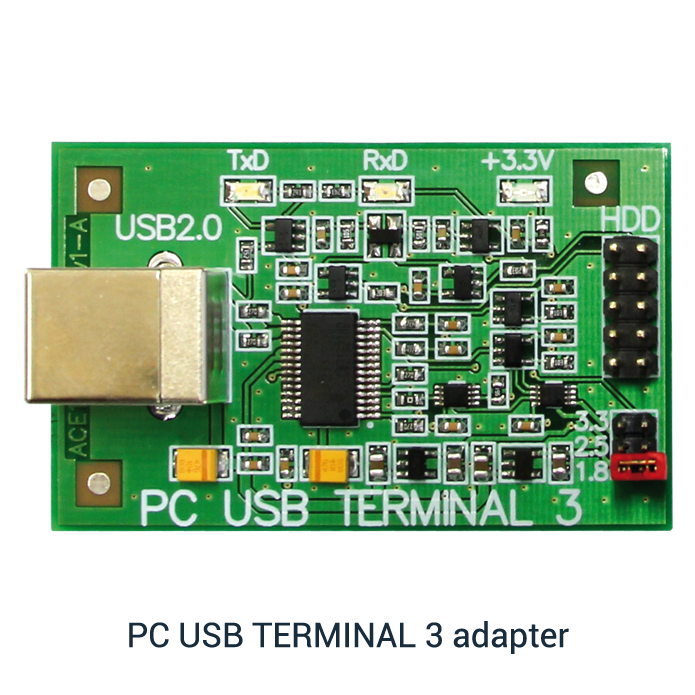
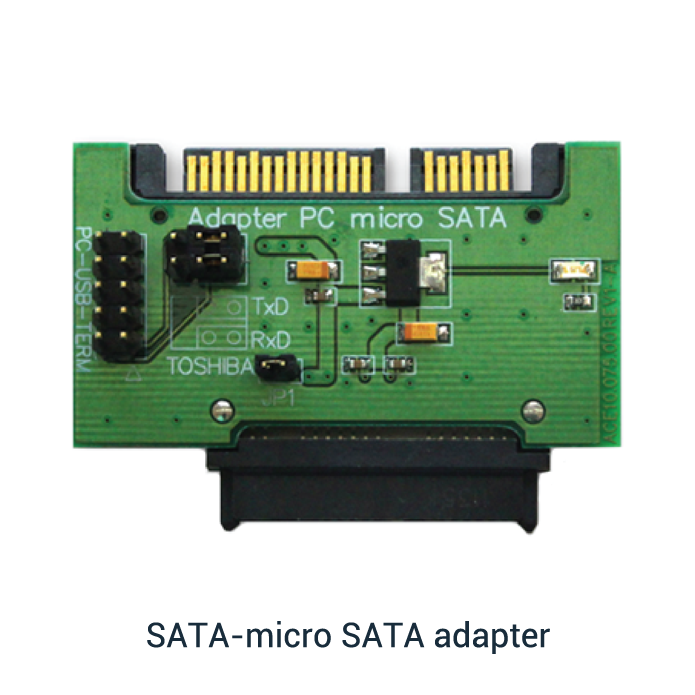
  • Technological mode adapter - "PC-USB-TERMINAL"
  • Adapter for 2.5" and 1.8" HDD - "PC-2″"
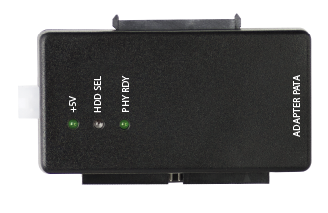
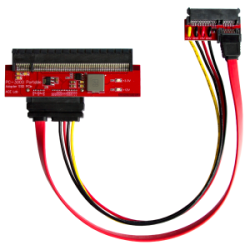
  • Adapter for connecting SATA HDD - "PC PATA-SATA"
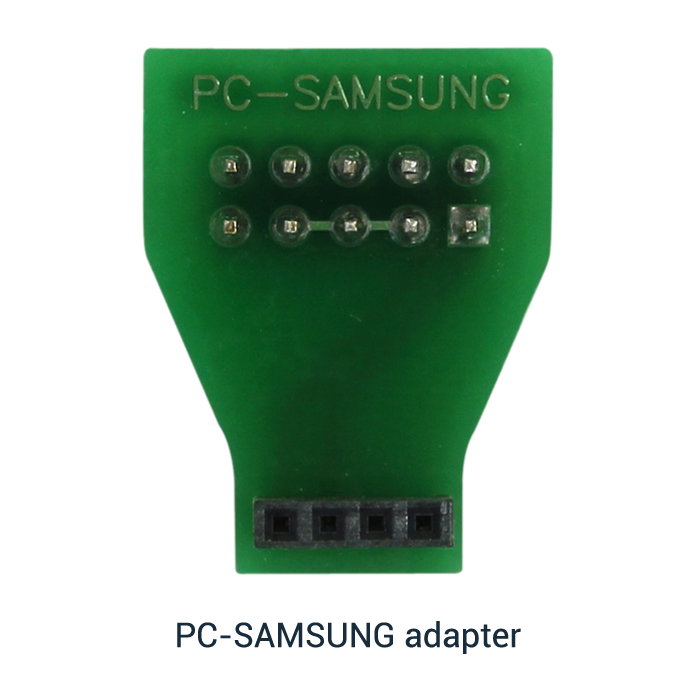
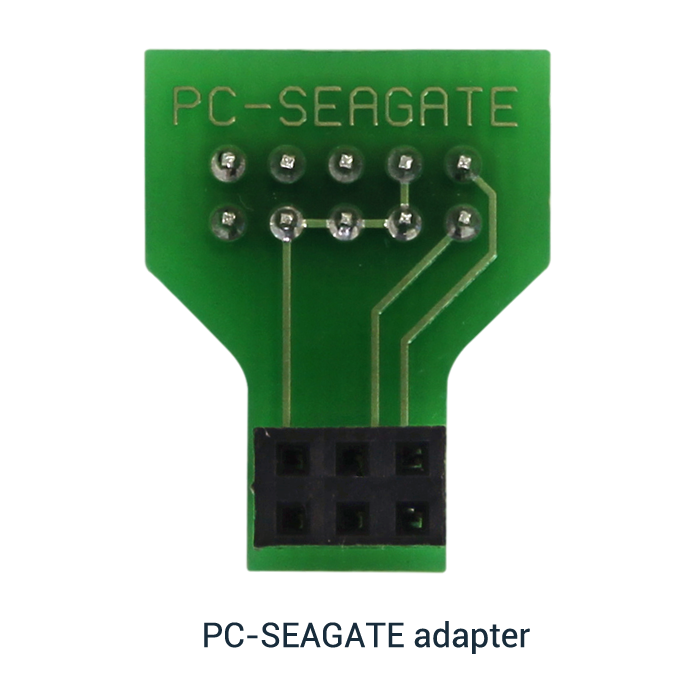
  • Adapter for connecting HDD SEAGATE, SAMSUNG with interface ATA - "PC-SEAGATE"
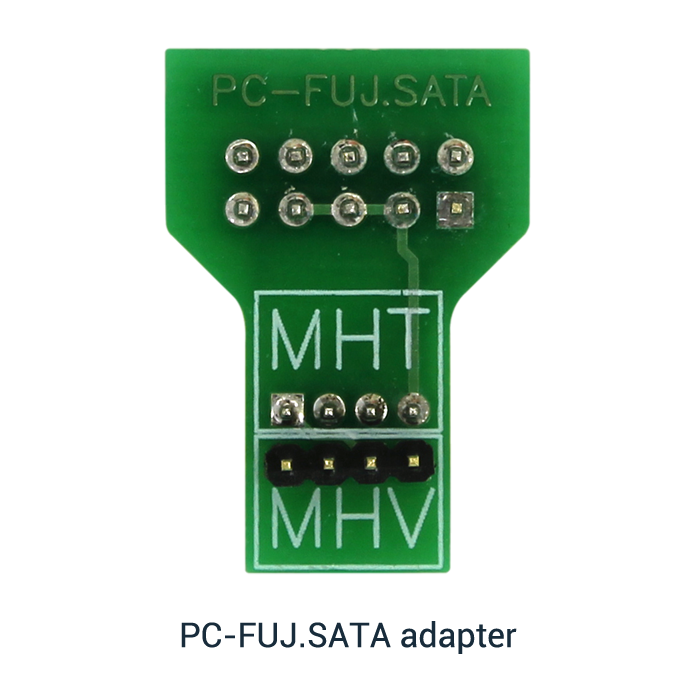
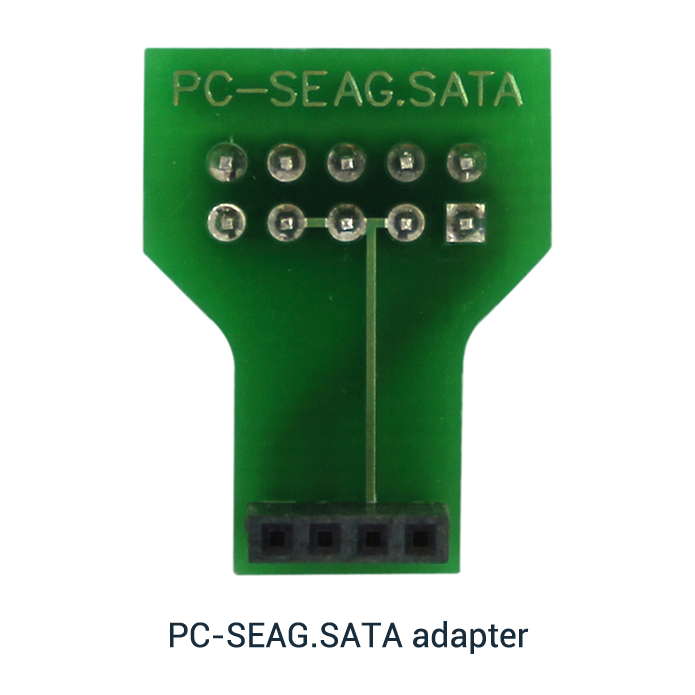
  • Adapter for connecting HDD SEAGATE with interface SATA - "PC-SEAG.SATA"
  • Interface cable UDMA33 (34 cm)
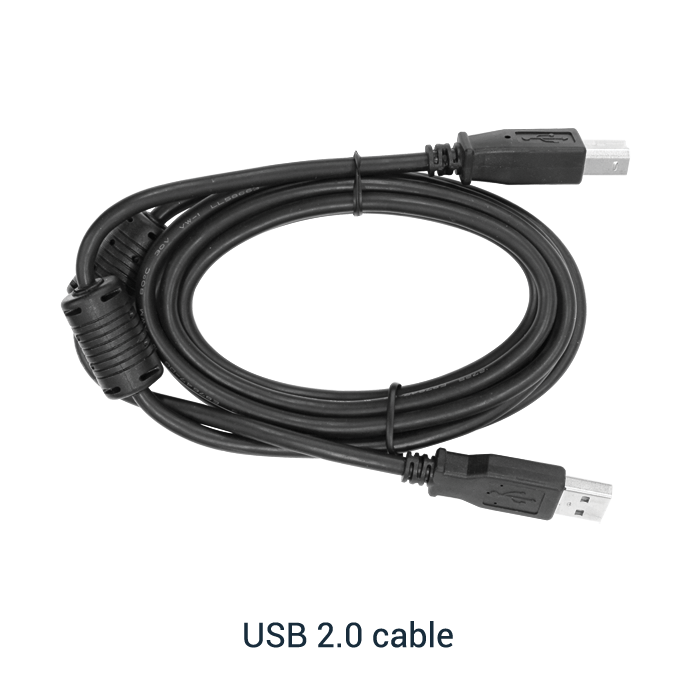
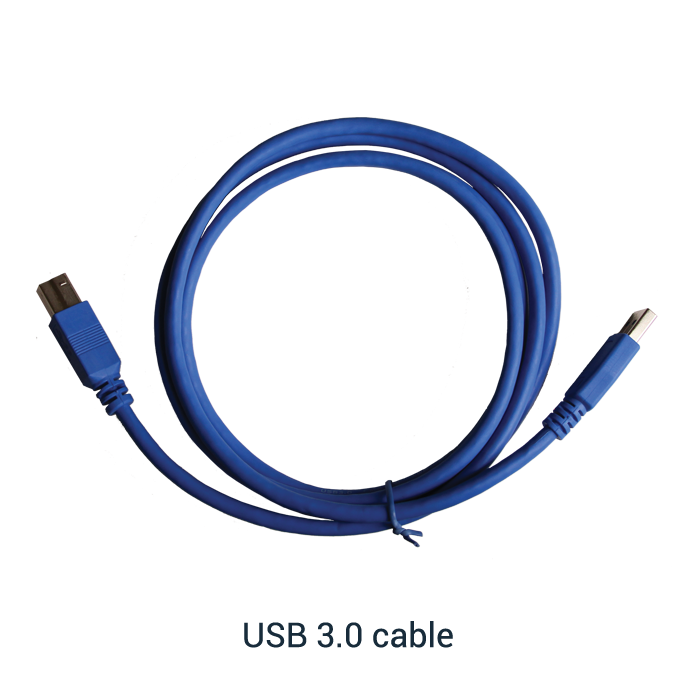
  • USB cables for connecting "PC-3000 Portable" and "PC-USB-TERMINAL" adapters
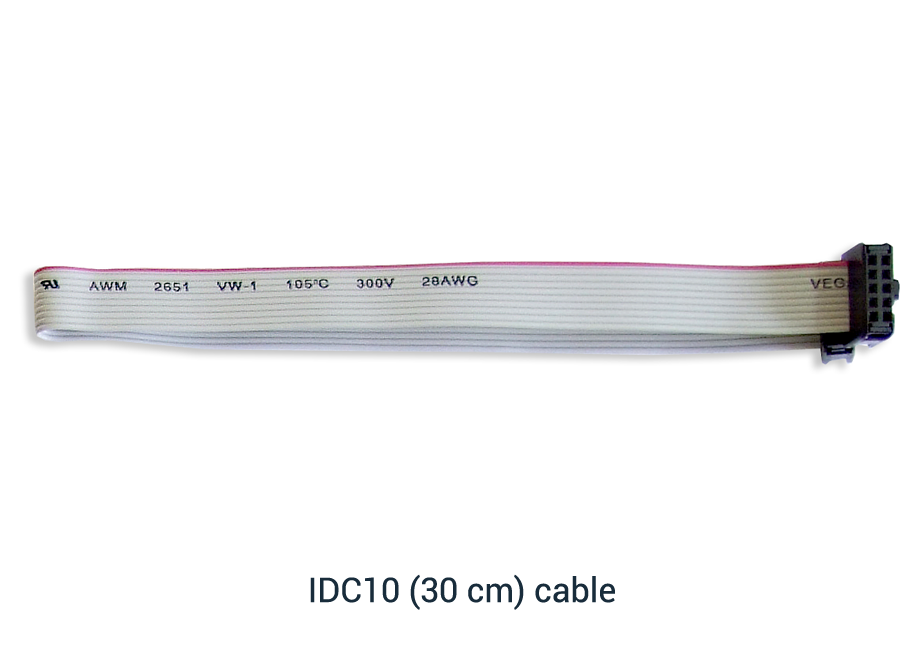
  • HDD-10 cable for connecting "PC-USB-TERMINAL" to technological slot of the drives via adapters: "PC-SEAGATE", "PC-SEAG.SATA" and adapter "PC-2″"
  • Power cables of ATX (80 cm) standard
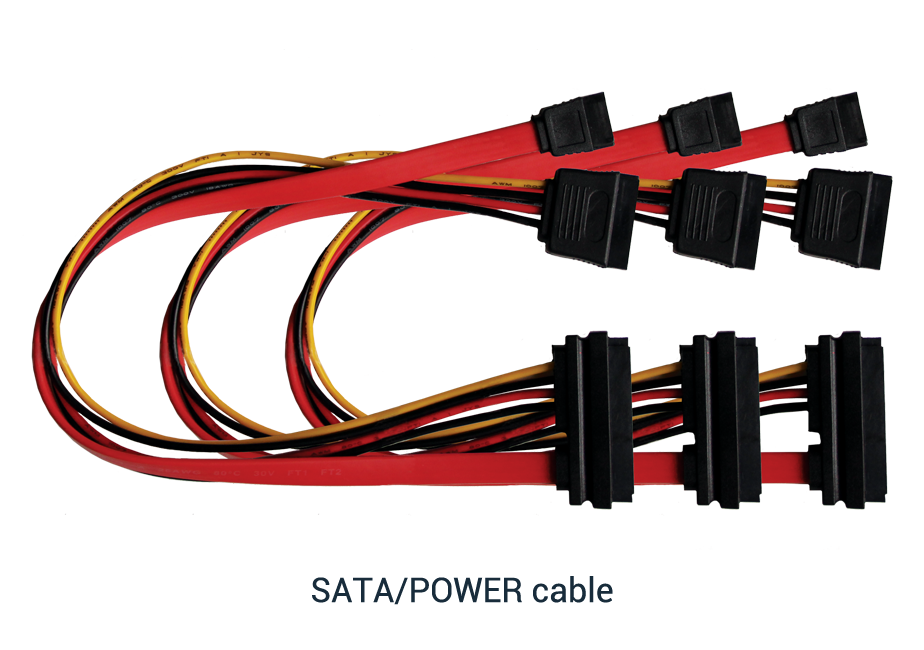
  • Power cables of "PC PATA-SATA" adapter
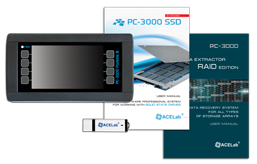
  • User manual.

PC-3000 Portable kit
 How to use it?


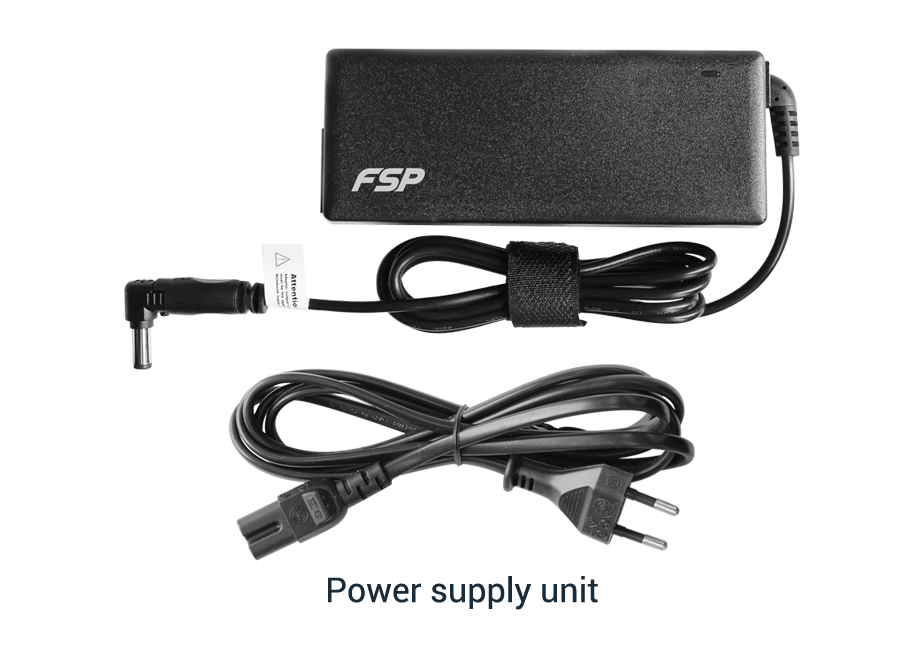
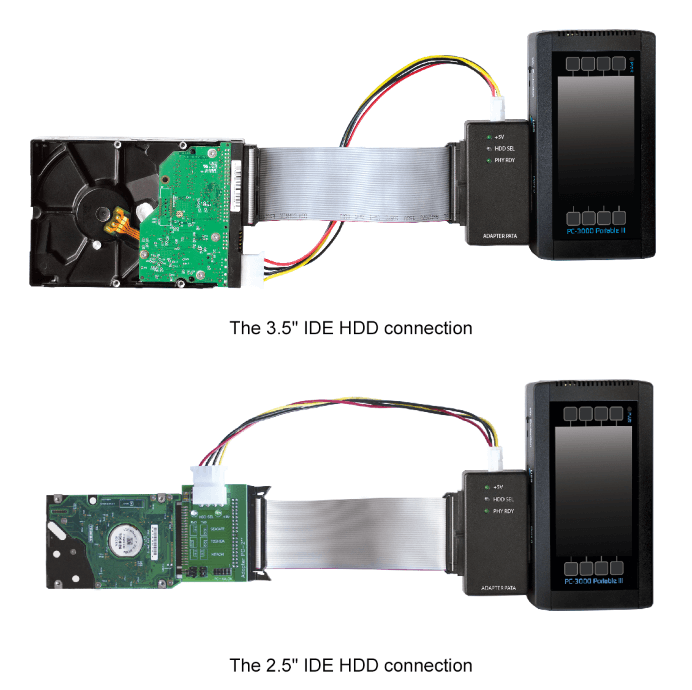
  • PC-3000 Portable complex can be installed into any PC compatible computer with two USB2.0 ports. We recommend to use laptop for the mobile usage. To supply power to the tested HDD you need to use the external power supply unit of ATX standard which will be controlled by the "PC-3000 USB" adapter-tester. Power is supplied to the adapter-tester itself via USB interface of the computer.

  • You can connect one ATA (IDE) drive of 3.5″ format to PC-3000 USB adapter-tester. To connect HDD with interface SATA or HDD with form factor 2.5″ you should use "PC PATA-SATA" and "PC-2″" adapters correspondingly. The work with the drives in the terminal mode is done through "PC-USB-TERMINAL" and "PC-SEAGATE", "PC-SEAG.SATA" adapters.

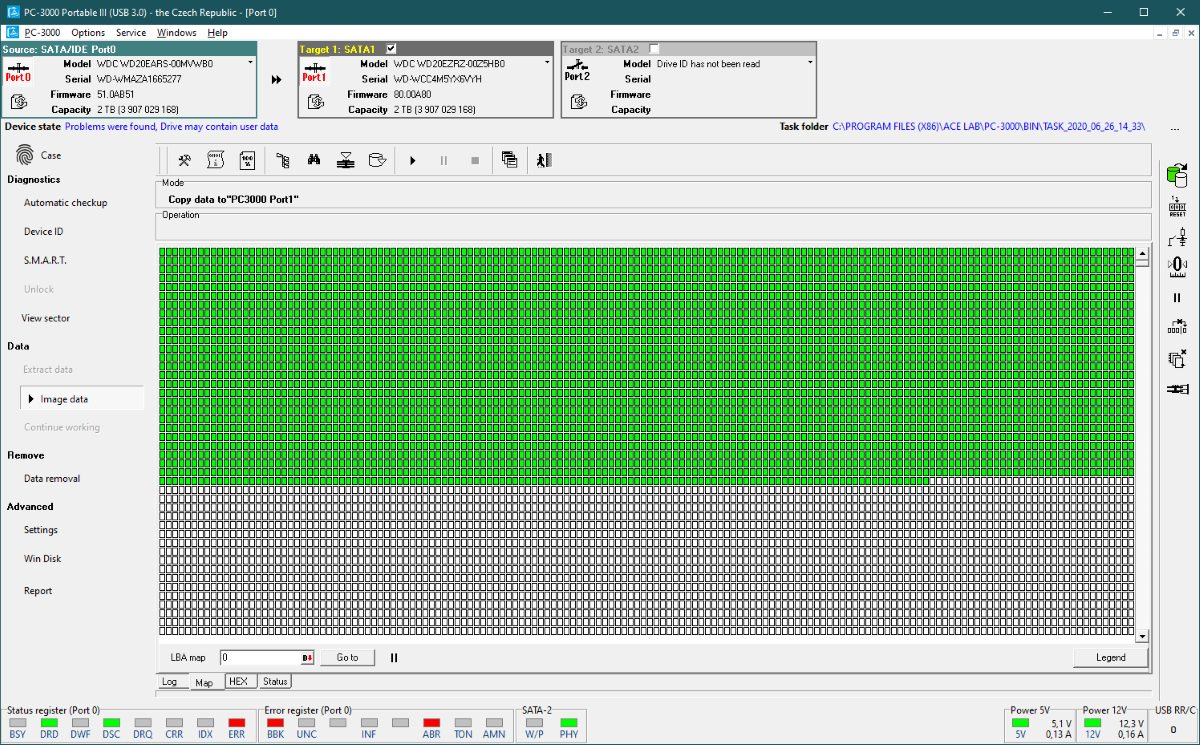
  • When you work with Data Extractor at data copy creation from the damaged drive, you can create the disk image in the form of file or full sector-by-sector copy to the standard-connected drive (if you work with laptop, you should use external USB HDD).

 PC-3000 Portable software


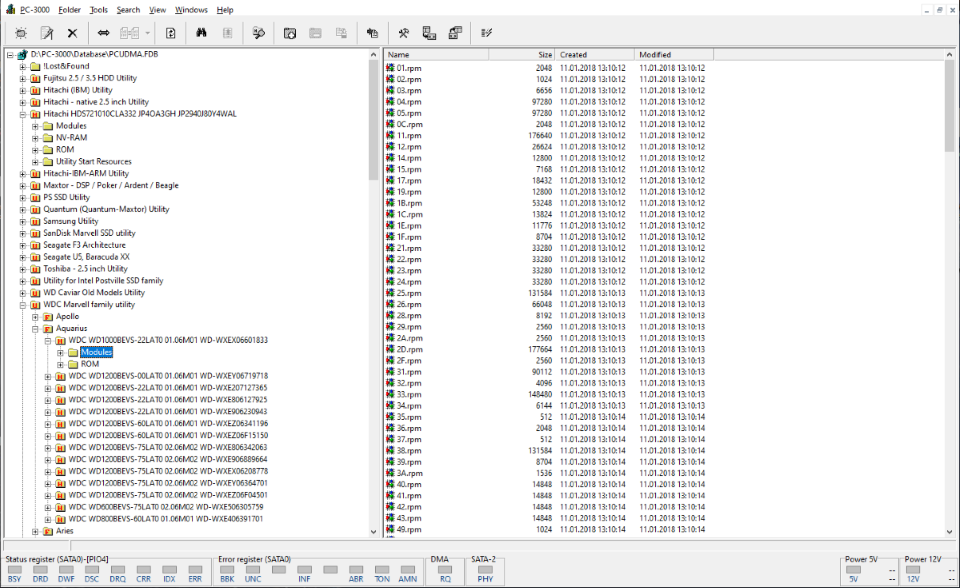
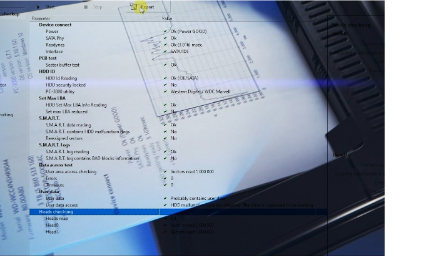
Structurally, "PC-3000 Portable" complex is the integration of modified "PC-3000 for Windows UDMA" and "Data Extractor UDMA" complexes. Changes are done mostly to make the work with HDD easier, we added the automatical modes and integrated reference system. To store HDD resources, the profile system and database compatible with PC-3000 for Windows UDMA database are used as ealier. It helps to exchange the resources between the users of these complexes.
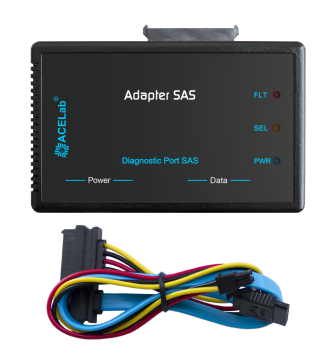
All main operation modes of "PC-3000 Portable" complex utilities are similar to the operation modes of PC-3000 for Windows UDMA complex:

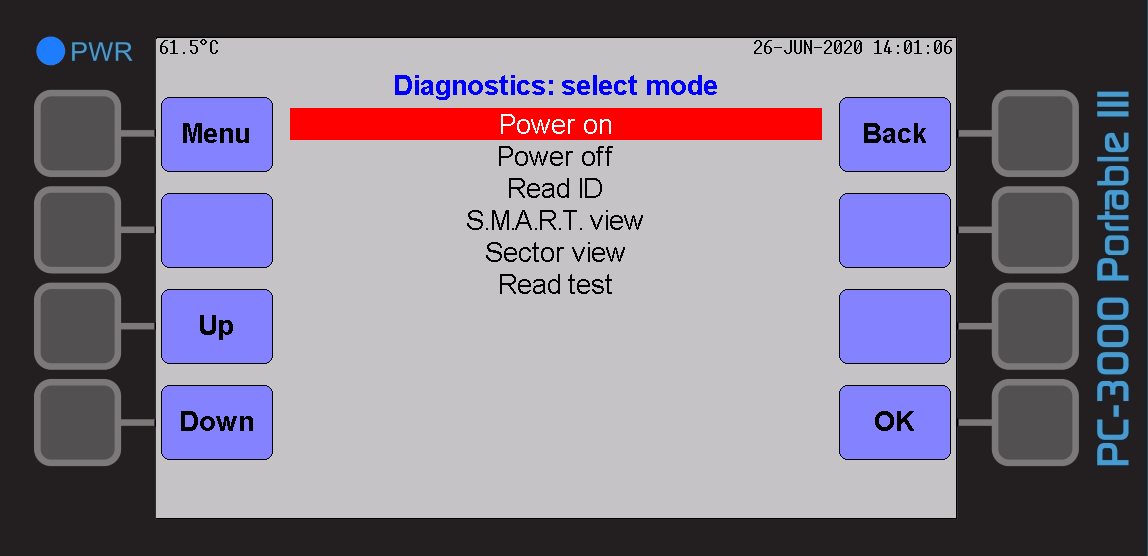
  • Test the drive in the technological mode
  • Test and recover service information of the drive
  • Test the magnetic heads of HDD
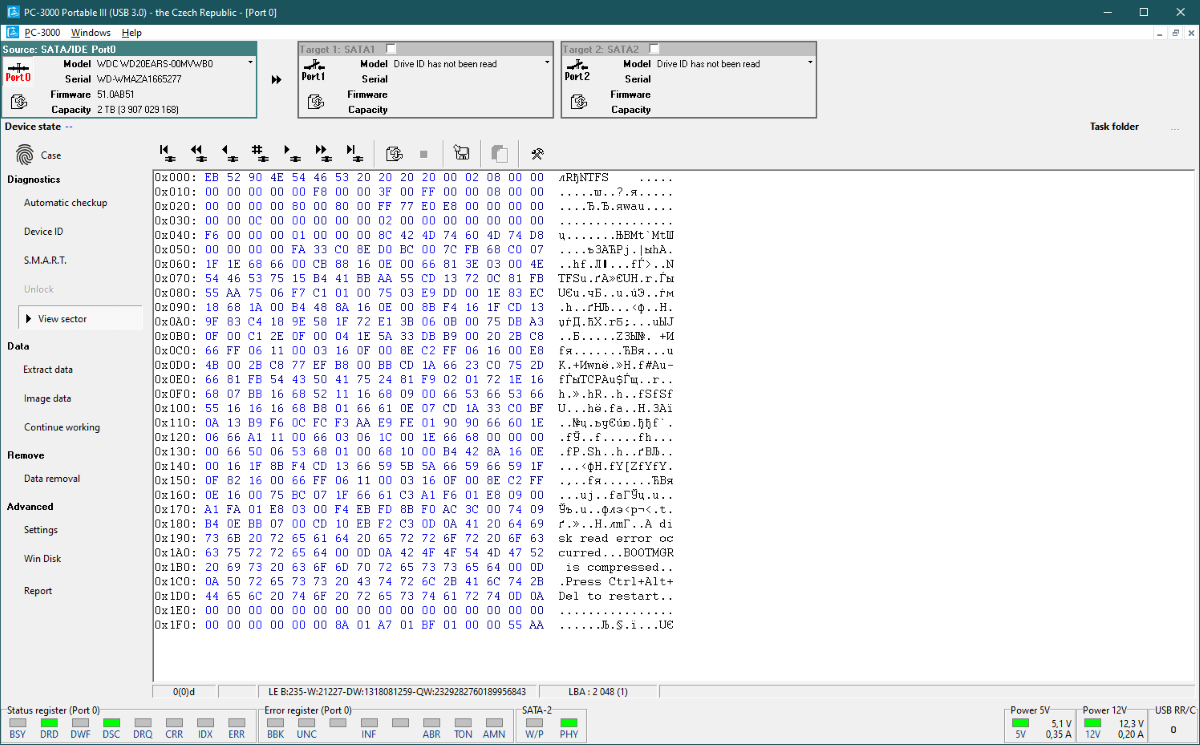
  • Read and write the contents of Flash ROM of the drive
  • Load the program of access to LDR service information
  • View defect tables P-List, G-list, T-List
  • Hide the defects found on the surfaces of magnetic disk
  • Regenerate the translator
  • Change the configuration parameters
  • Zerorize S.M.A.R.T. drives
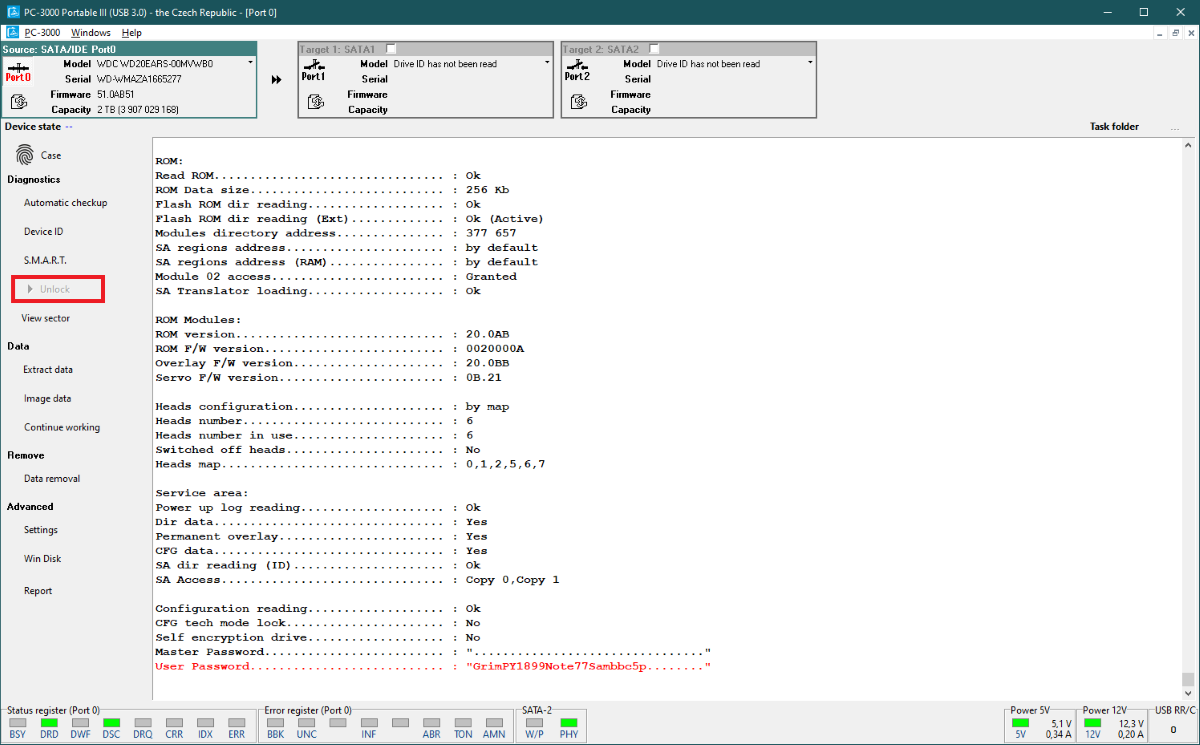
  • Unblock HDD (view, clear the installed password).

PC-3000 Portable software
 Modes of operation


We modified the modes which demand deep understanding of principles of operation of HDD and the modes which can easily damage the drive if used incorrectly. We removed old and rarely met models from the list of supported HDD.

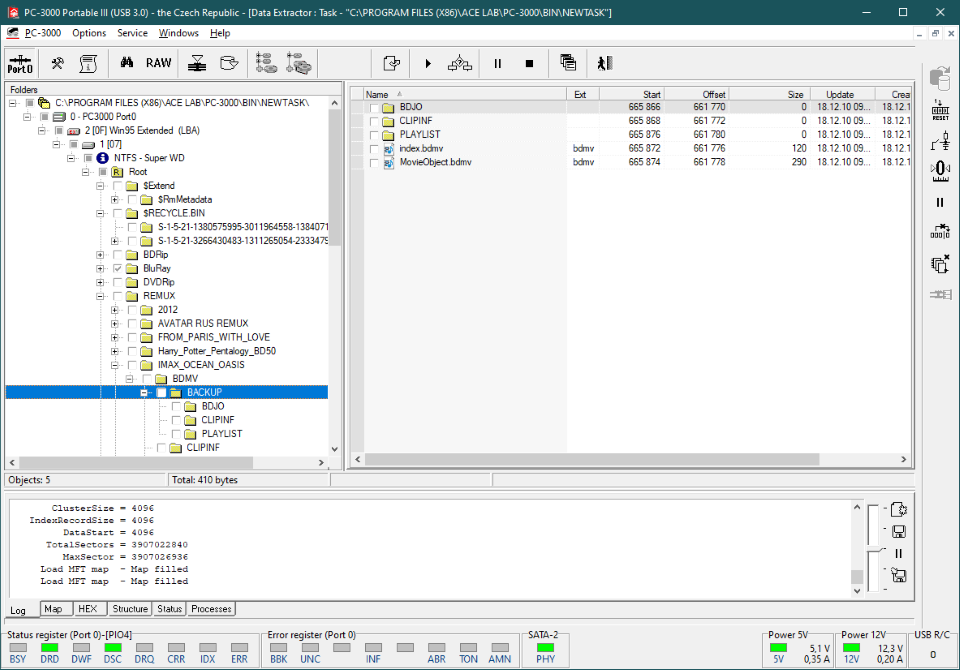
Speaking about Data Extractor modes, we left only the easiest and most automated ones - "Head Map" and "Data copy creation". It enabled to make the copy settings much easier. There are two of them now: quick reading into UDMA ignoring BAD-sectors and reading into PIO with the settings of the maximum accurate reading of data. Besides, we removed the complicated operation modes of logical structures that demand thorough knowledge about file systems.

Now easier to work with HDD, you do not need to study profoundly HDD workability! It helps to use the complex by the beginners and the companies who do data recovery from time to time. Software and hardware simplifications allowed to make PC-3000 Portable more understandable for the data recovery engineers-beginners!


Go up